

AI tools for architects now cover four practical areas: concept imagery and rendering, design and planning, written documentation, and portfolio or job-search work. The strongest workflow in 2026 pairs an image generator like Midjourney with a BIM-connected renderer and a writing assistant for specs, cover letters, and portfolio captions.
If you are a student or early-career architect, the value of AI tools for architects is less about replacing design judgment and more about removing the slow, repetitive parts of the job. A concept board that once took an afternoon can take twenty minutes. A first draft of a cover letter or a project description can be ready before you finish your coffee. The skill that matters is knowing which tool fits which task, and where the output still needs your eye. This guide breaks down the categories, names the tools worth your time, and shows how they fit a real portfolio and career workflow.
What are the main categories of AI tools for architects?
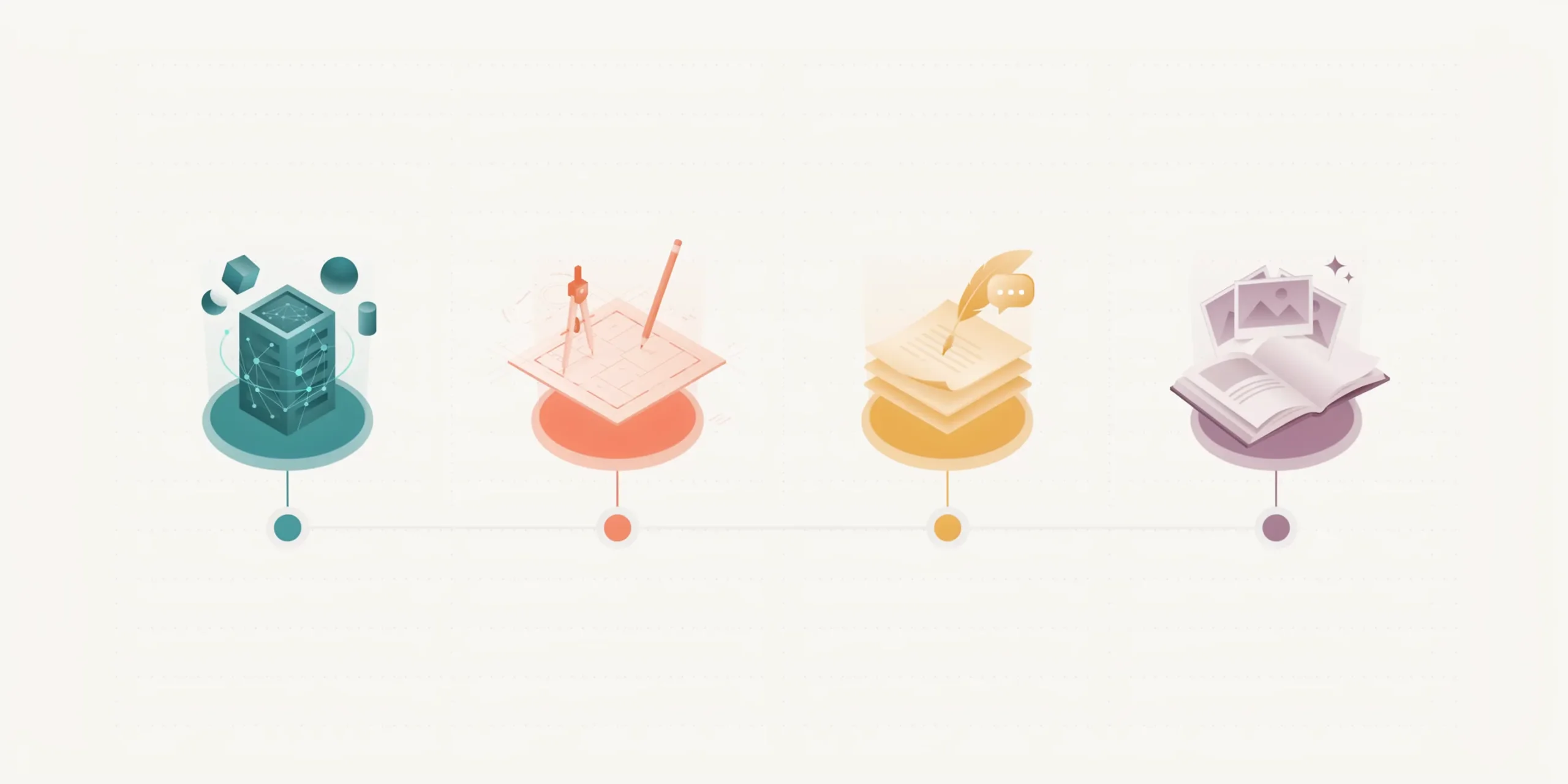
Most AI tools for architects fall into four buckets. Image and rendering tools turn prompts or rough models into visuals. Design and planning tools generate floor plans, massing, and code-compliant layouts. Productivity and writing tools handle specifications, emails, and research. Portfolio and career tools review your work, match it to firms, and help you write the application materials around it.
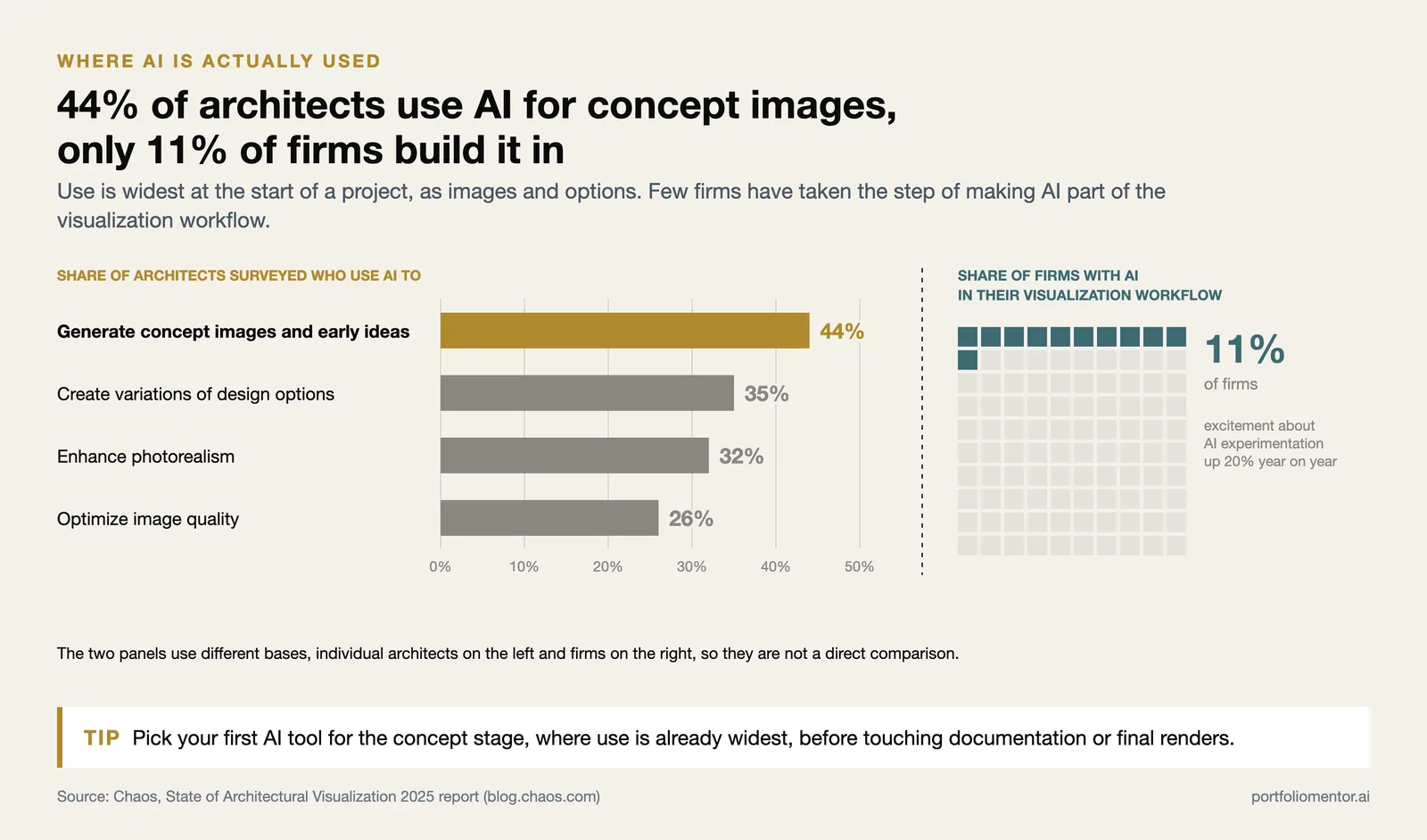
Knowing the bucket first saves you from a common trap: reaching for Midjourney when you actually need a planning tool, or grinding through a spec by hand when a writing assistant could draft it. The Chaos State of Architectural Visualization report found that roughly 44% of architects now use AI for concept images, while a separate firm level figure shows about 11% of firms already using AI in their visualization workflow.
📌 Did You Know?
According to the Chaos State of Architectural Visualization report, around 44% of architects already use AI for concept images, and about 11% of firms are already using AI in their visualization workflow. The two figures use different bases, architects versus firms, so they are not a direct comparison.
Which AI tools are best for rendering and concept imagery?

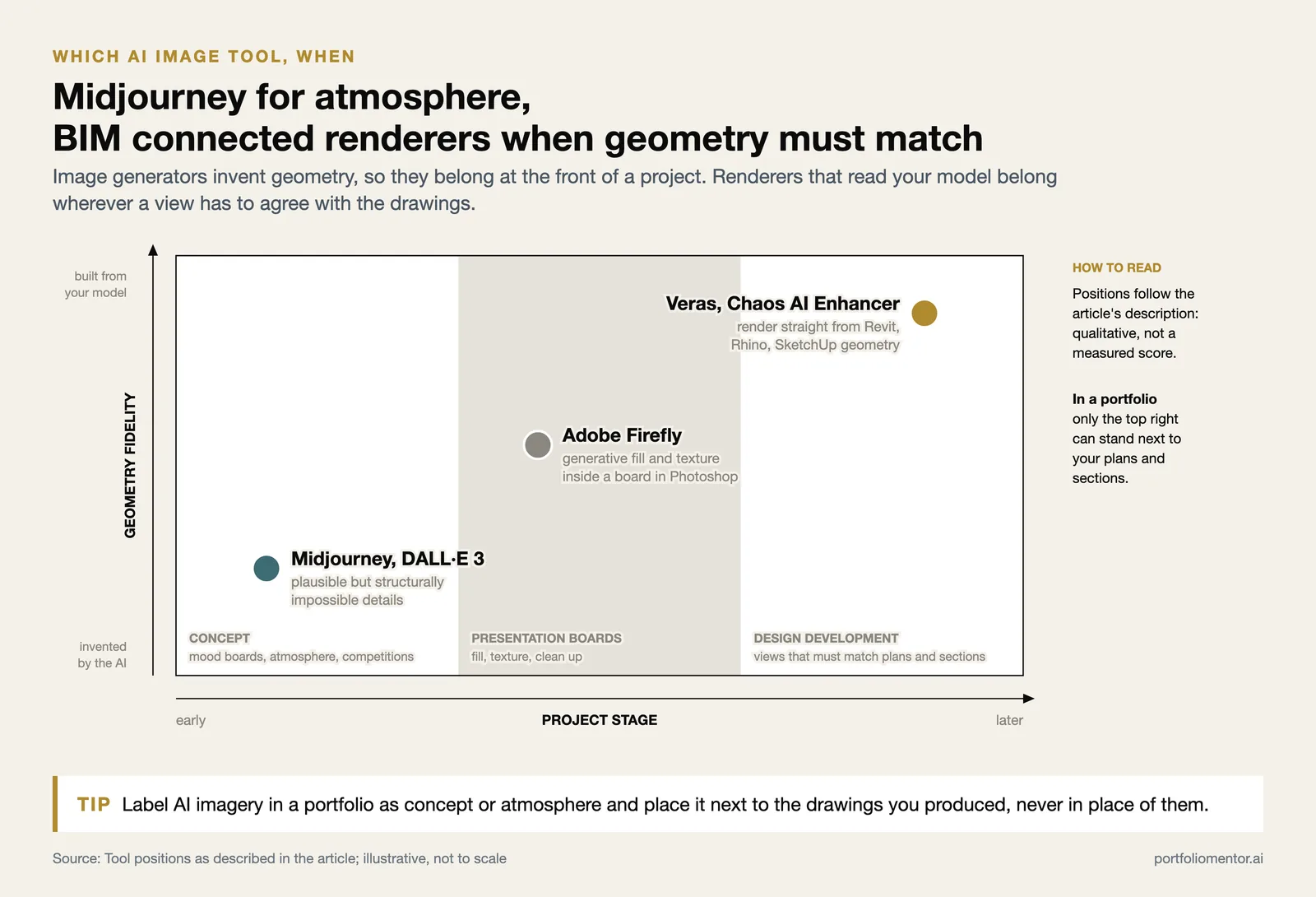
For fast, striking concept imagery, Midjourney remains the most popular pick among students because of its image quality and low cost. The v7 model reads architectural prompts far better than earlier versions, which makes it strong for mood boards, atmosphere studies, and competition imagery. The catch is geometry: Midjourney invents plausible-looking but structurally impossible details, so it suits the front of a project rather than design development.
When you need an image that matches your actual model, a BIM-connected renderer is the better choice. Chaos and EvolveLAB Veras render straight from Revit, Rhino, SketchUp, and similar tools, so the AI works from your geometry instead of a screenshot. Adobe Firefly sits in between, useful for generative fill and texture work inside a presentation board you are already assembling in Photoshop or InDesign.
⚠️ Common Mistake to Avoid
Treating AI renders as finished portfolio pieces is the fastest way to lose a reviewer. Hiring partners can spot a Midjourney image that has no relationship to your plans and sections, and it undermines the credibility of your real work. Use AI imagery as concept or atmosphere support, clearly tied to drawings you actually produced.
What AI tools help with design, planning and BIM?
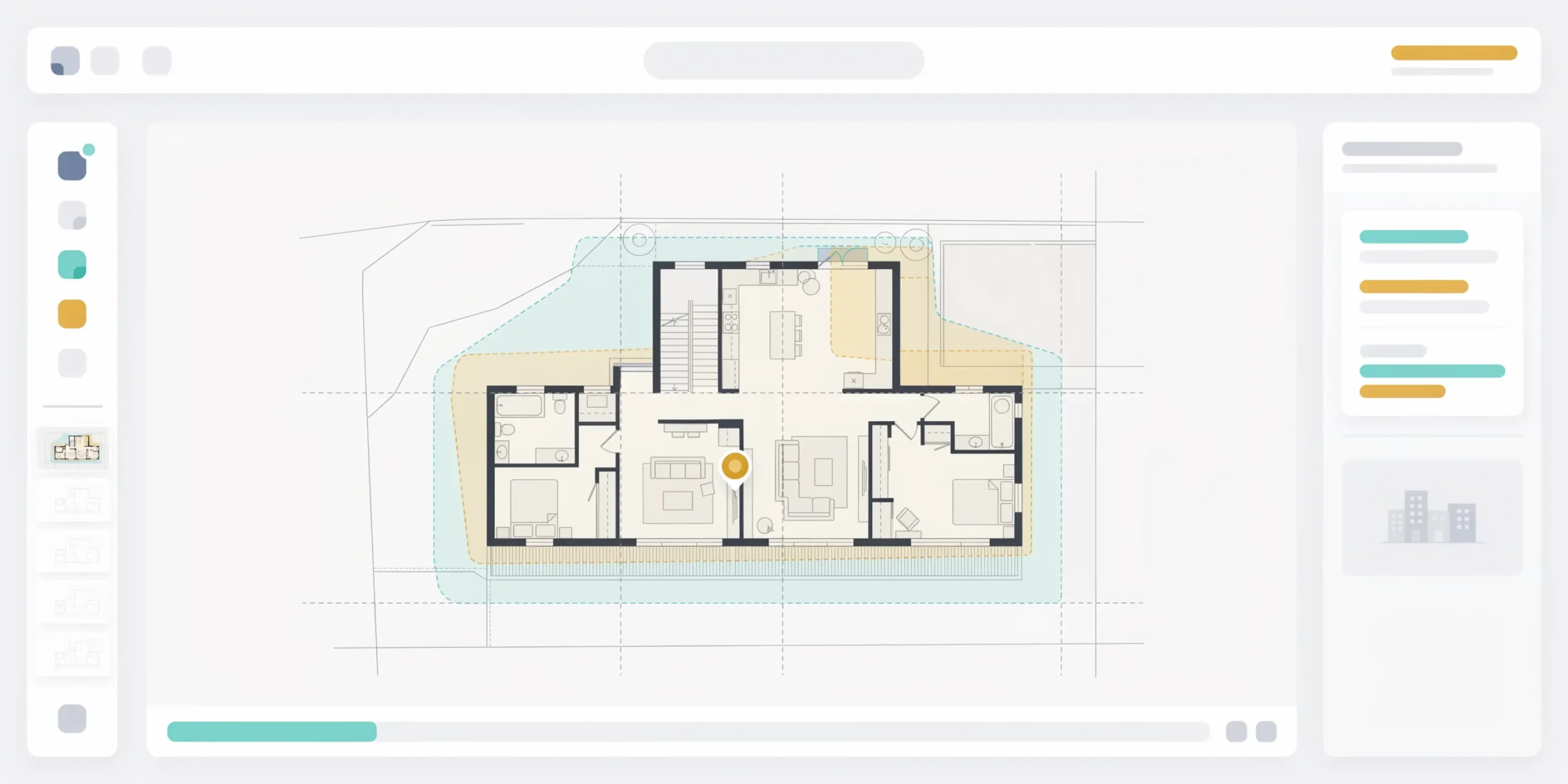
Design-focused AI tools generate layouts that respect real constraints. Maket automates residential floor plans and zoning research. ARCHITEChTURES produces optimized building designs against regulatory inputs, and TestFit runs site-planning and feasibility studies in real time. These tools are most useful for early massing and unit-mix studies, where you want many options quickly before committing to one.
Inside BIM, the productivity gains are quieter but real. Autodesk Revit add-ins such as Glyph automate documentation tasks like view creation, sheet setup, and tagging, which removes hours of clicking from each project. For students, the lesson is not to master every BIM plugin now, but to understand that the slow parts of documentation are increasingly automated, so your value shifts toward design decisions and clear communication.
💡 Pro Tip
When you use a planning tool like TestFit or Maket for studio work, save the generated options as a process sequence rather than a single final image. Reviewers value seeing how you narrowed twenty schemes to one, and that decision trail is far more convincing than a clean final plan with no story behind it.
How do AI productivity tools help with writing and documentation?
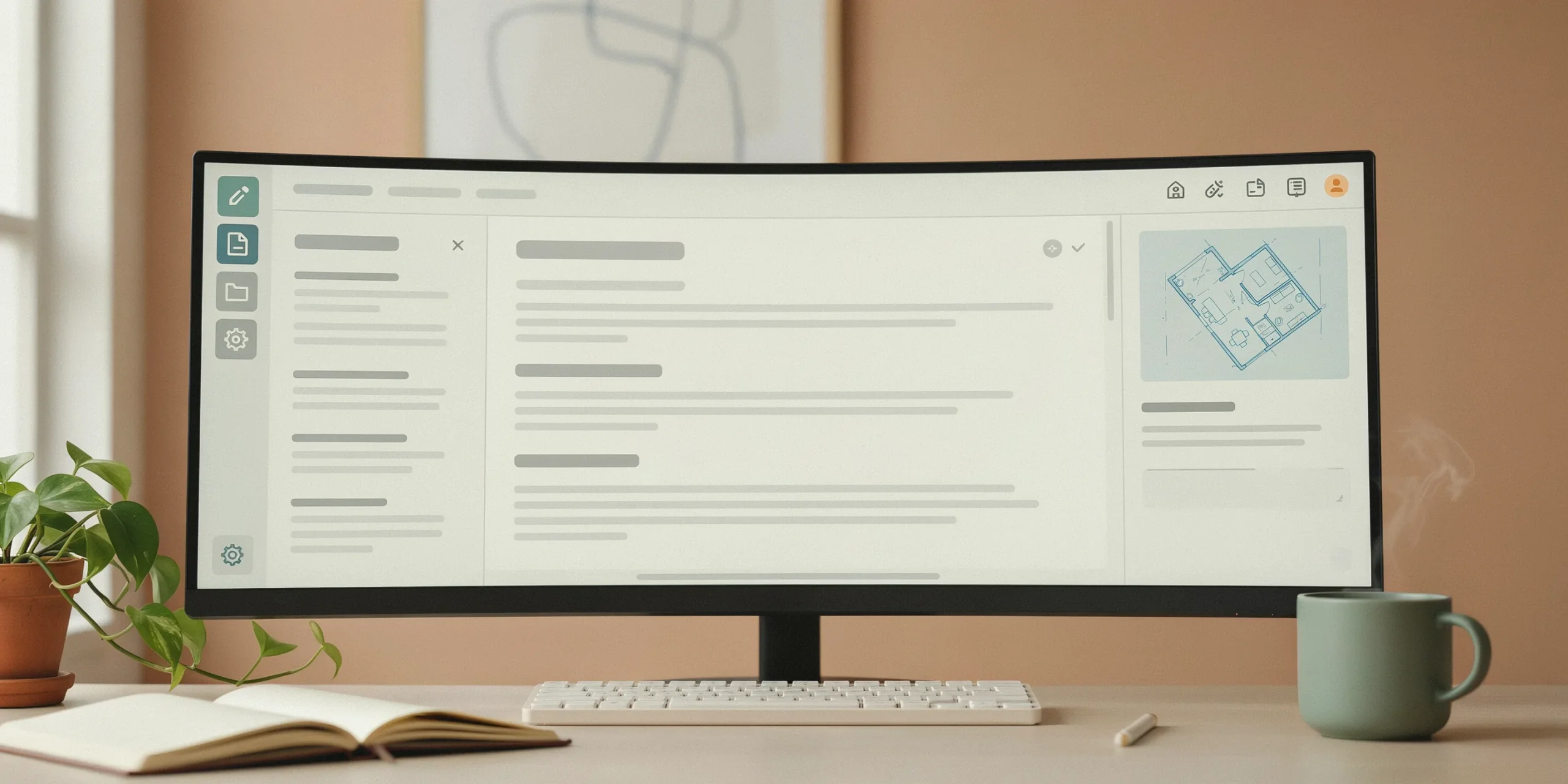
Writing is where AI saves architects the most time per week. ChatGPT and similar assistants draft specifications, design rationales, client emails, and tender responses from raw schedules or notes. Industry write-ups report that architects who use these tools daily save roughly six to eight hours a week on writing and regulatory tasks, time that goes straight back into design.
For students and job seekers, the same tools draft project descriptions, portfolio captions, and the body of a cover letter. The trick is to feed the tool your real material, the brief, your role, the firm you are applying to, and then edit heavily so the voice is yours. A generic AI cover letter reads exactly like a generic AI cover letter, and reviewers notice.
🔢 Quick Numbers
- About 44% of architects use AI for concept images (Chaos State of Architectural Visualization report)
- Excitement around AI experimentation rose by about 20% year over year, while around 11% of firms already use AI in their visualization workflow (Chaos report)
Which AI tools are best for architecture portfolios and job hunting?

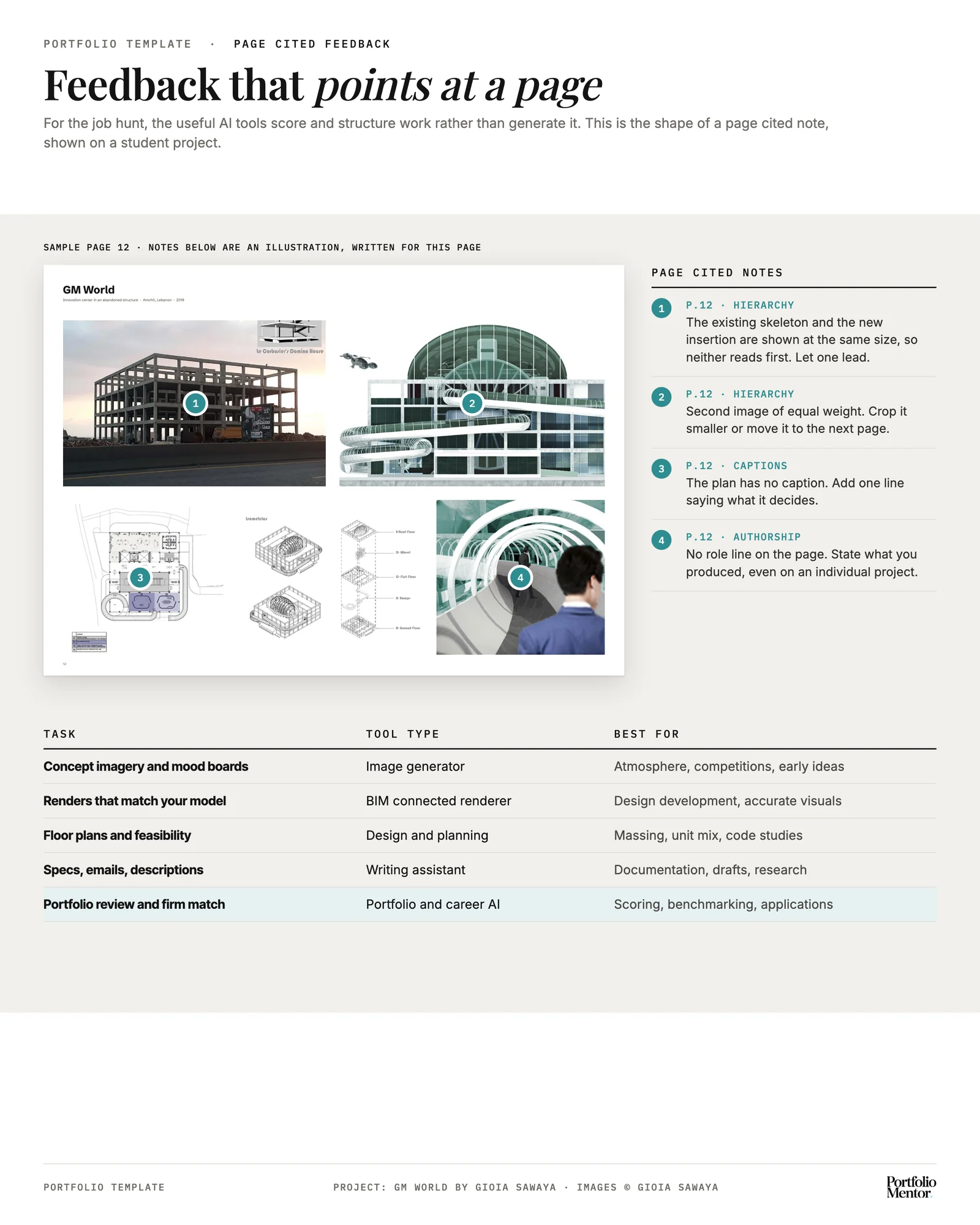
This is where general tools meet purpose-built ones. You can use ChatGPT to tighten captions and Firefly to clean a board, but portfolio-specific AI goes further. A tool like Portfolio Mentor reads your full portfolio, scores it against the published conventions of hundreds of studios and M.Arch programs, and tells you how well your work matches specific firms. That turns vague advice into page-cited feedback you can act on before you apply.
The portfolio category covers four jobs: analysis, benchmarking, layout, and application writing. You can see how AI analysis works in practice through the before-and-after review examples that walk through before-and-after scores, and you can study layout systems in a template and reference library built around real specializations. For the full review-and-match process, the review process breakdown shows where AI feedback fits between your first draft and a submission-ready document.
AI tools for architects by use case
The table below maps common tasks to the type of tool that fits, so you can build a stack instead of collecting apps.
| Task | Tool Type | Examples | Best For |
|---|---|---|---|
| Concept imagery and mood boards | Image generator | Midjourney, DALL-E 3 | Atmosphere, competitions, early ideas |
| Renders that match your model | BIM-connected renderer | Veras, Chaos AI Enhancer | Design development, accurate visuals |
| Floor plans and feasibility | Design and planning | Maket, TestFit, ARCHITEChTURES | Massing, unit mix, code studies |
| Specs, emails, descriptions | Writing assistant | ChatGPT, Claude | Documentation, drafts, research |
| Portfolio review and firm match | Portfolio and career AI | Portfolio Mentor | Scoring, benchmarking, applications |
If you want one AI tool aimed squarely at the job hunt rather than the design work, upload your portfolio and get it scored page by page against what firms screen for.
Score my portfolio free →How should a student build an AI workflow without overdoing it?
Start with one tool per job and add only when a real gap appears. A workable starter stack is an image generator for concepts, your existing CAD or BIM software with one render add-in, a writing assistant for documentation and applications, and a portfolio review tool before you submit. That covers the four buckets without scattering your attention across thirty apps.
Keep human judgment at the center. AI is good at first drafts and options; it is poor at taste, narrative, and knowing which project belongs on page one. Use the time you save to sharpen the parts a reviewer actually grades. If you are early in your career, pairing these tools with a strong portfolio template and a clear architecture CV gives the AI good raw material to work from.
💡 Pro Tip
Keep a simple prompt library in a notes file: one tested prompt each for a concept image, a project caption, and a cover letter opener. Reusing prompts you have already refined is faster than starting from scratch, and it keeps your output consistent across a whole portfolio.
A quick checklist before you add an AI tool
- Does it fill a real gap, or duplicate a tool you already use?
- Will the output need heavy editing, and do you have time for that?
- Does it respect the accuracy your task needs (geometry, code, citations)?
- Can you explain to a reviewer exactly where AI helped and where you did the work?
- Does it protect your project files and data?
Frequently asked questions about AI tools for architects
Will using AI tools hurt my credibility as an architect?
No, as long as you are honest about it and the underlying work is yours. Reviewers expect you to use modern tools. What damages credibility is presenting AI renders as if they were built from your model, or submitting a cover letter that clearly nobody edited. Use AI for drafts and options, then make the final judgment yourself.
Is Midjourney good enough for an architecture portfolio?
Midjourney is good for concept and atmosphere imagery, not for representing buildings you designed. Because it invents geometry, any plan or section you show alongside it will not match. Use it for early ideas or competition mood, and rely on accurate renders from your actual model for the design-development pages a hiring partner studies closely.
Which AI tool should a student start with first?
Start with a writing assistant like ChatGPT, since it helps with the widest range of tasks, from studio descriptions to applications, at no hardware cost. Add an image generator next for concepts, and bring in a portfolio review tool when you are close to applying for internships or jobs.
Where to Go From Here
✅ Key Takeaways
- AI tools for architects split into imagery, design and planning, writing, and portfolio or career help.
- Use Midjourney for concept atmosphere and a BIM-connected renderer for accurate, model-based visuals.
- Writing assistants save real time on specs, captions, and cover letters, but always edit the output to your voice.
- Portfolio-specific AI scores your work, benchmarks it against firms, and pinpoints what to fix before you apply.
- Build one tool per job and keep your own judgment at the center of every decision.
The architects who get the most from AI in 2026 are not the ones using the most tools. They are the ones who know exactly which task each tool is for, and who treat the time it frees as room to make sharper design and presentation choices. Pick a small stack, learn it well, and let the saved hours show up in the work a reviewer actually grades.