Veneer CV Template
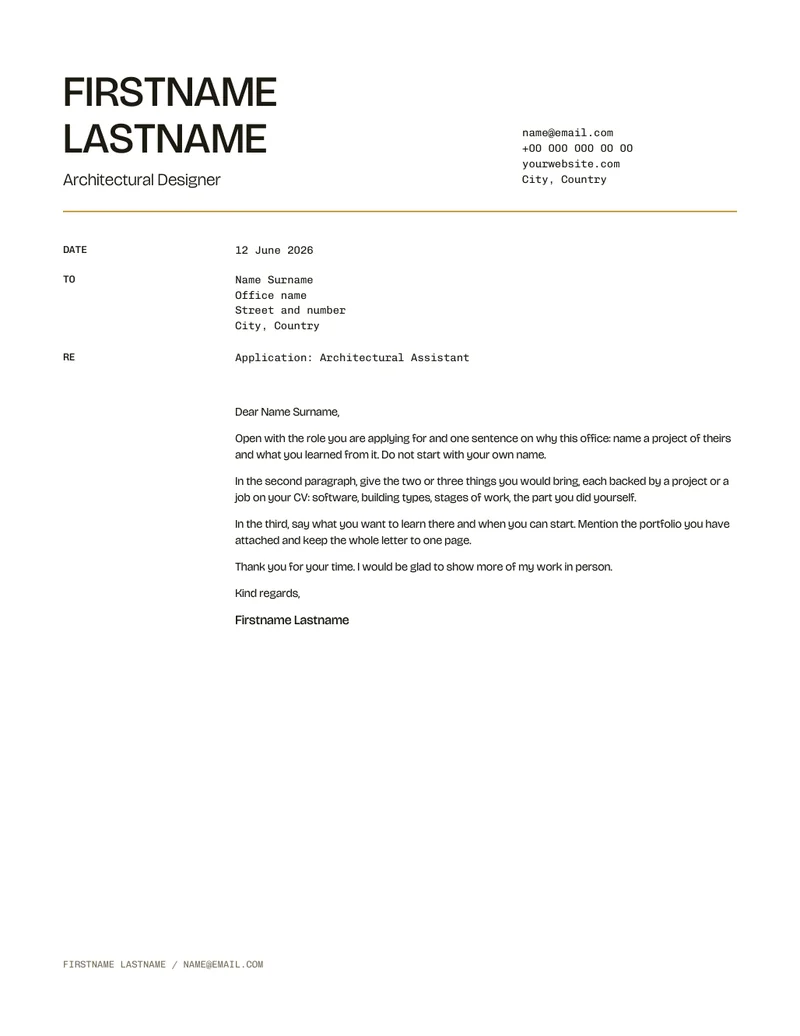
Large stacked name, section labels in a margin column; Bricolage Grotesque with Chivo Mono, ochre palette. A CV template for architects and architecture students, with a cover letter on the same letterhead. Sections sit on a 12-column grid and use one set of styles, so the CV stays tidy however much you change it.
- Pages2
- FormatsA4, US Letter
- Opens inInDesign, Affinity Publisher
- FontsBricolage Grotesque, Chivo Mono
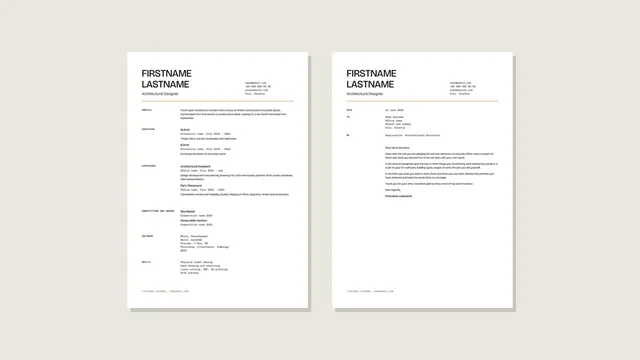
Every page
A4 and US Letter carry the same pages, so you can send the size each country expects.
A4 210 x 297 mm
-
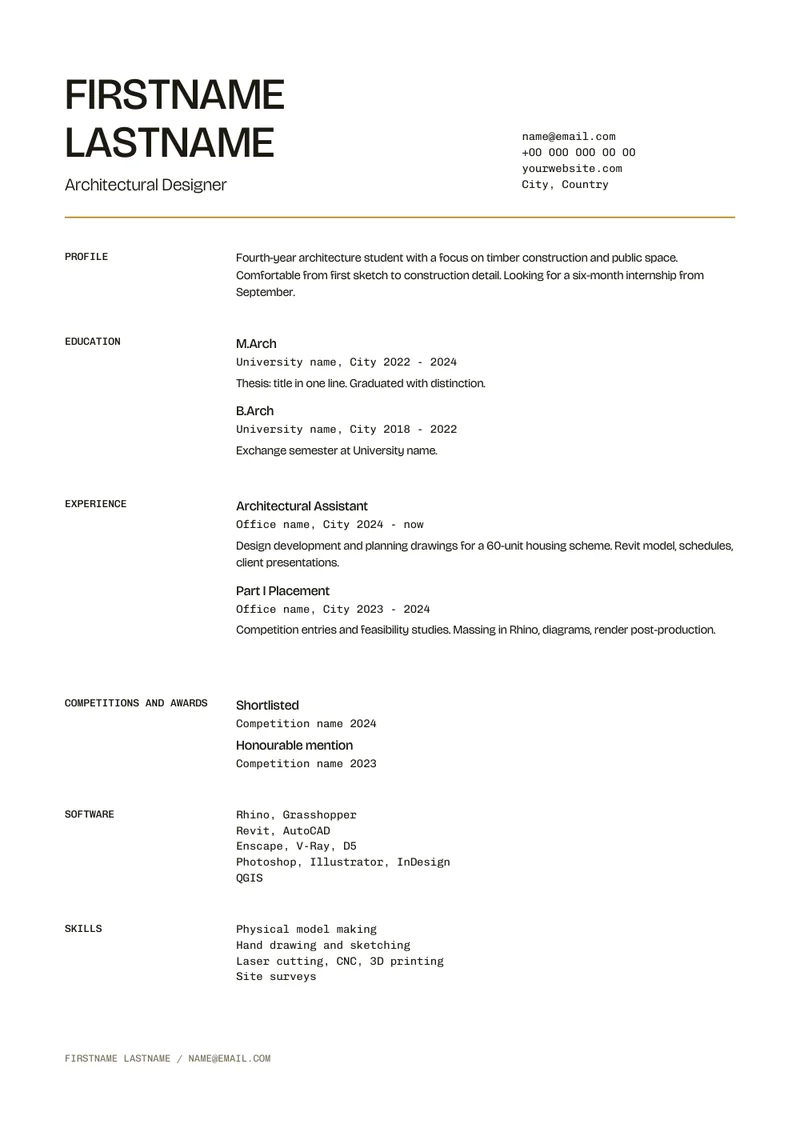 01 CV
-
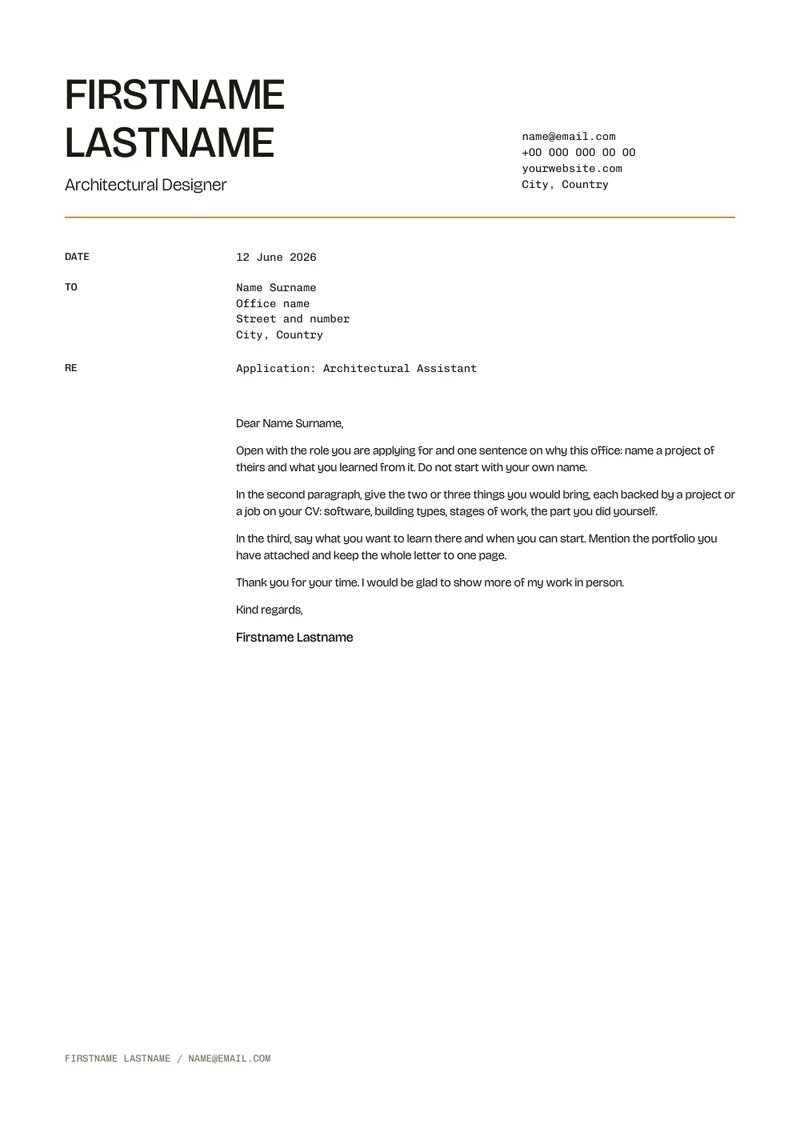 02 Cover letter
US Letter 8.5 x 11 in
-
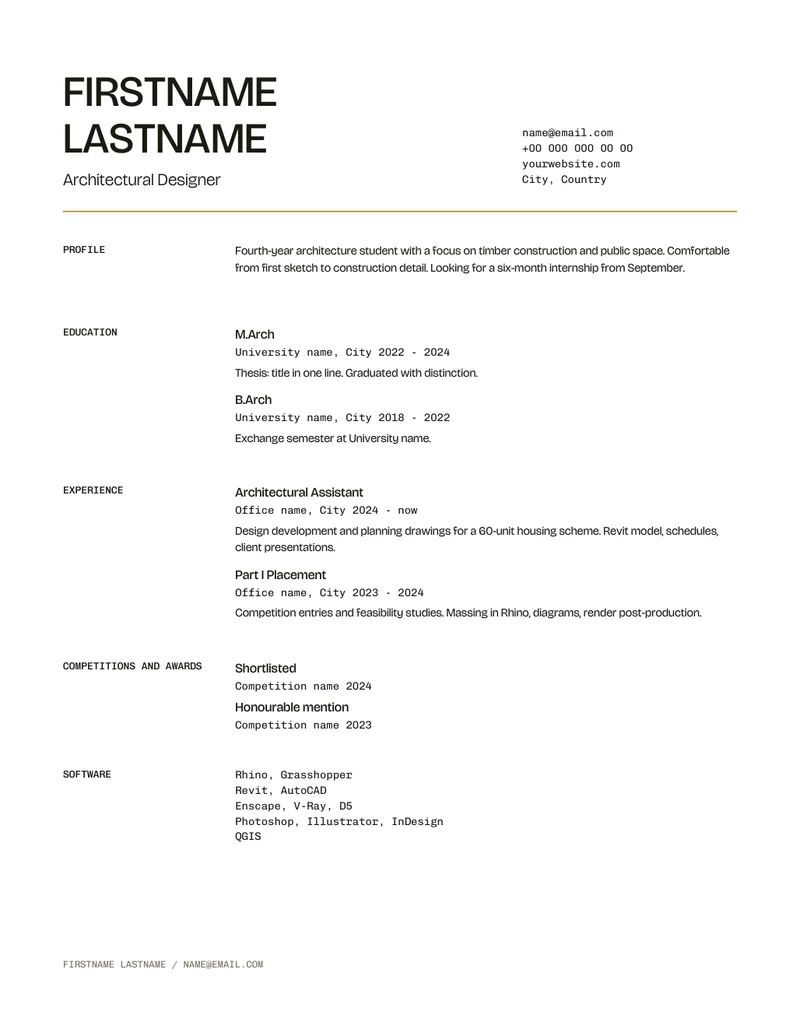 01 CV
-
 02 Cover letter
Page by page
What goes on each page, and what a reader looks for there.
| Page | What goes here | What a reader looks for |
|---|---|---|
| 01 CV | Name, role, contact; profile, experience and education in the main column; software, skills and languages beside | Fit to the job in ten seconds: role, years, software, the part you did |
| 02 Cover letter | Cover letter on the same letterhead: date, recipient, subject, four short paragraphs | Why this office, what you bring, what you want to learn; one page |
Type and colour
Paragraph styles
- Display
- Bricolage Grotesque Medium capsYour name
- Lead
- Bricolage Grotesque LightYour role under the name
- Title
- Bricolage Grotesque MediumPage titles (projects page)
- Heading
- Bricolage Grotesque MediumJob titles, degrees, project names
- Body
- Bricolage Grotesque RegularProfile, descriptions, letter text
- Data
- Chivo Mono RegularOffices, places, dates, contact, lists
- Label
- Chivo Mono Medium capsSection labels
- Caption
- Chivo Mono RegularImage captions
- Folio
- Chivo Mono Regular capsFooter
Colours
- Paper
#F5F0E1 - Ink
#1D1A12 - Grey
#7A735E - Accent
#B8841A
Recolour the whole document by editing one swatch. All fonts are free under the SIL Open Font License and come in the download.
What is in the download
- Editable InDesign IDML for both formats: master pages, paragraph styles, swatches and labelled frames. Opens in InDesign CC 2019 or later and in Affinity Publisher.
- Preview PDF and page images of both formats, to see the layout before you open anything.
- The fonts, free under the SIL Open Font License.
- A user guide: the grid, styles, filling it in and exporting the PDF.
-
 Student / internship
Alder
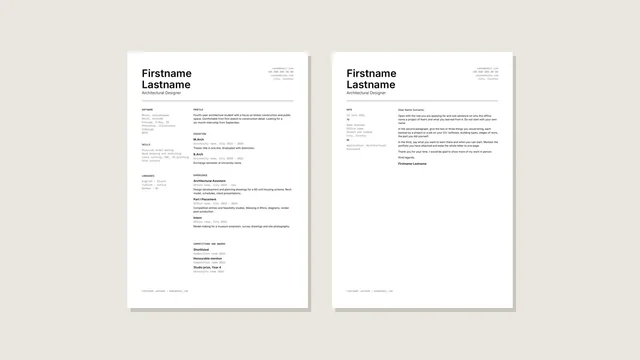
Name left, contact right, sidebar on the left; Inter with IBM Plex Mono, datum palette.
-
 Student / internship
Flint
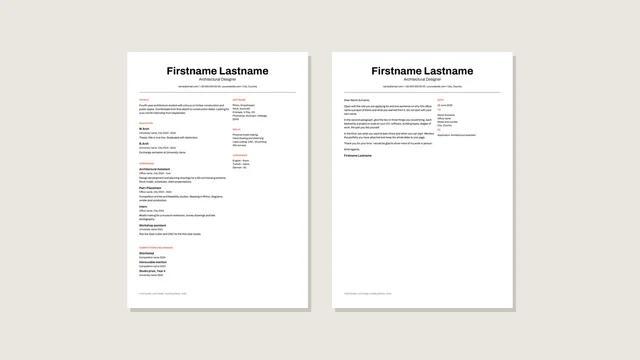
Centred name and one-line contact, two columns; Archivo throughout, swiss palette.
-
 Student / internship
Kauri
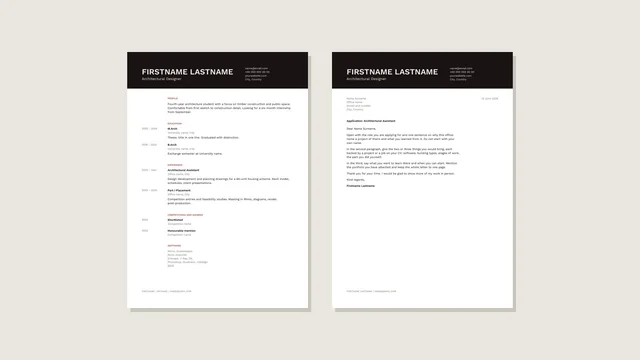
Name on a solid band, dates in a margin column; Work Sans throughout, brick palette.