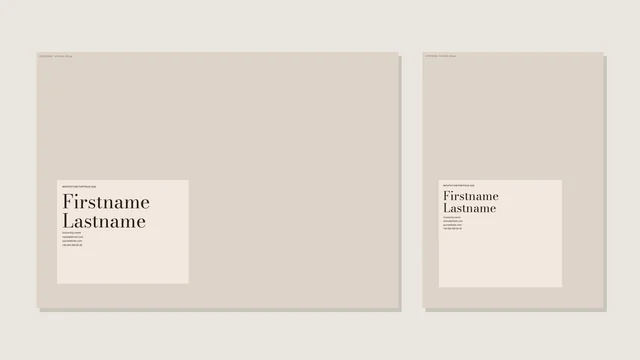
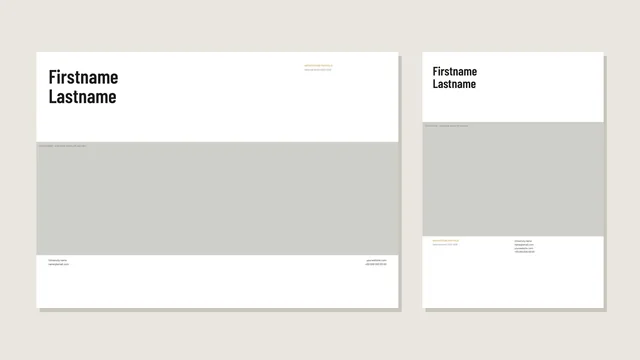
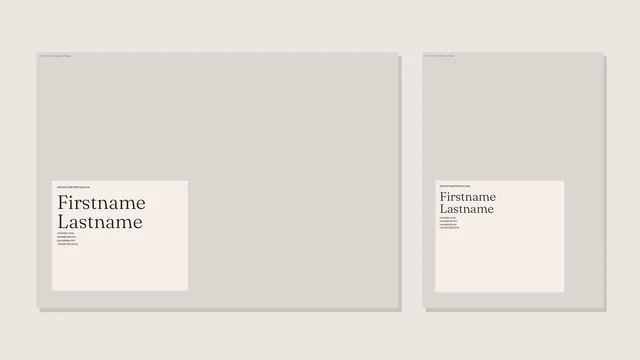
Competition & visual
Oculus Portfolio Template
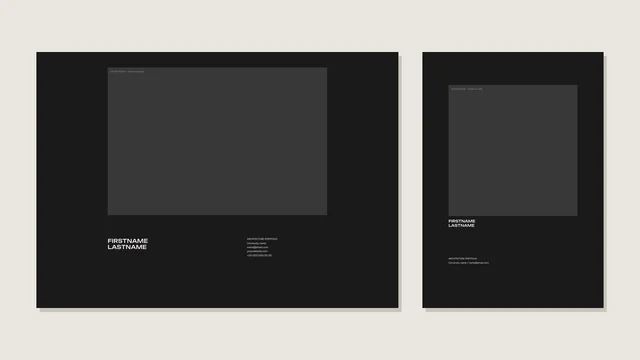
Dark theme with a wide display face. For screen portfolios. Built for: competition & visual portfolios. Every page sits on a 12 x 12 grid, so text, captions and data are in the same place on every page and a reviewer can find them without searching.
- Pages13
- FormatsA3 landscape, A4 portrait
- Opens inInDesign, Affinity Publisher
- FontsFigtree, Unbounded
Every page
Both formats have the same pages in the same order, so you can decide late or make both.
Landscape A3 420 x 297 mm
-
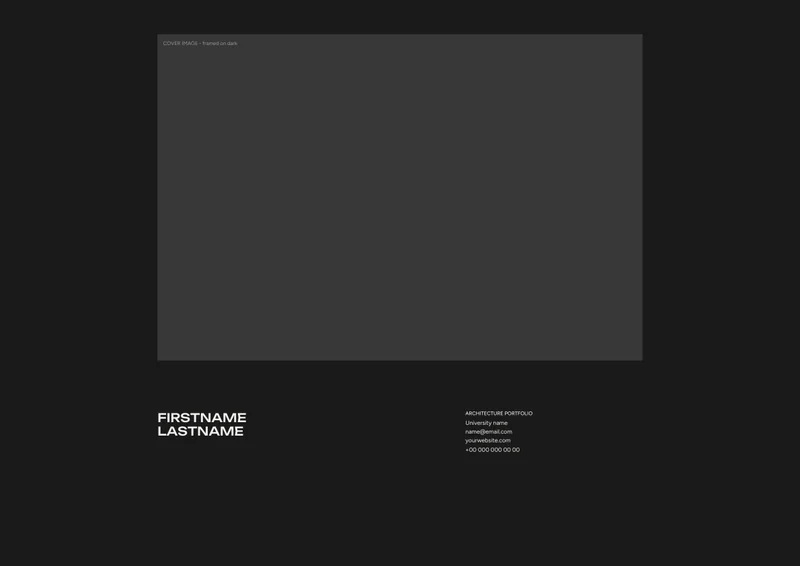 01 Cover
-
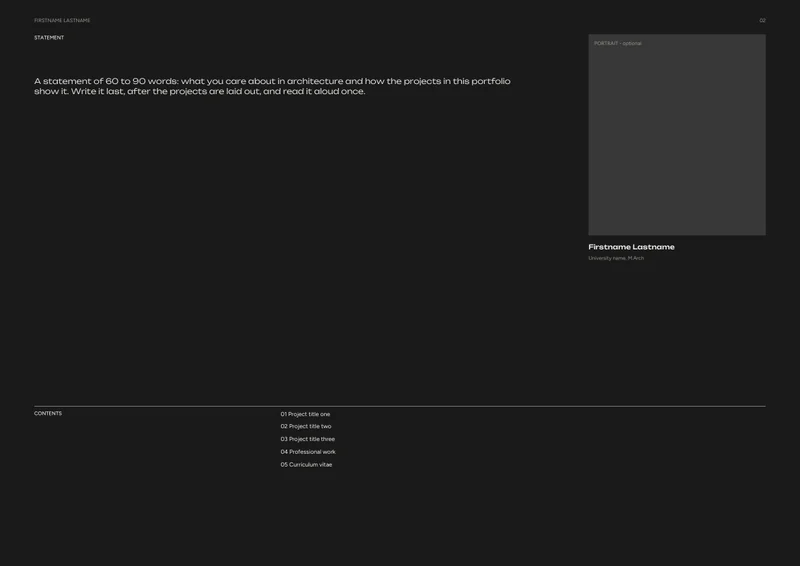 02 Statement
-
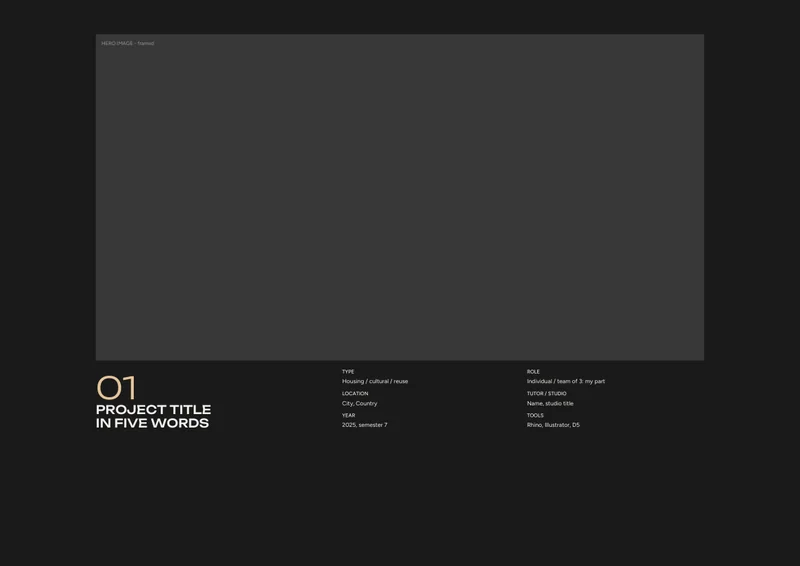 03 Project opener - P1
-
 04 Full-bleed image - P1
-
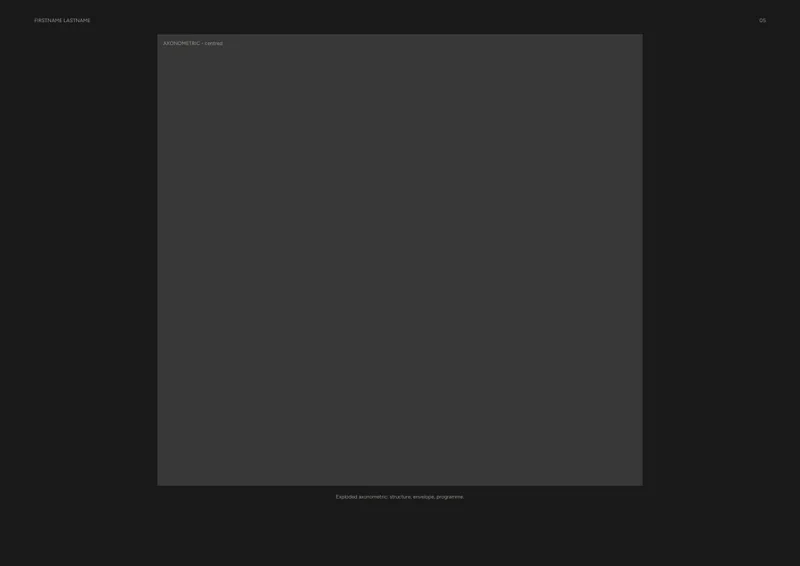 05 Axonometric - P1
-
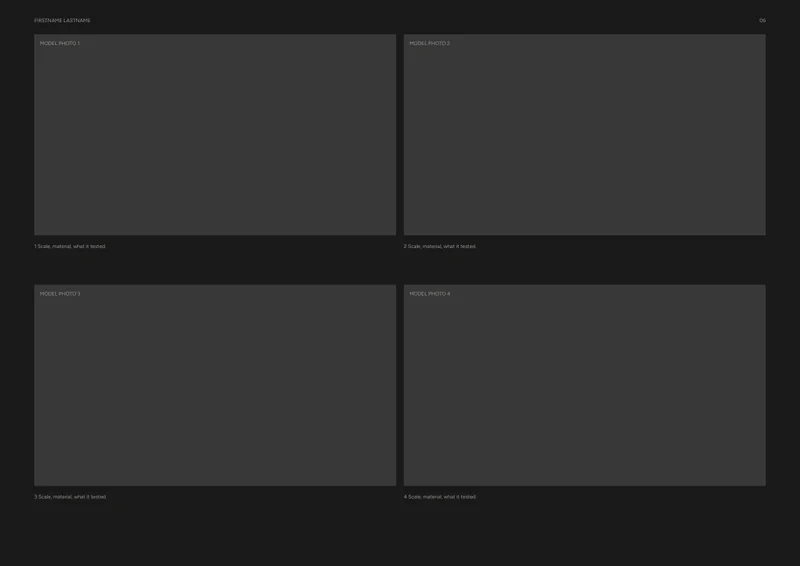 06 Models - P1
-
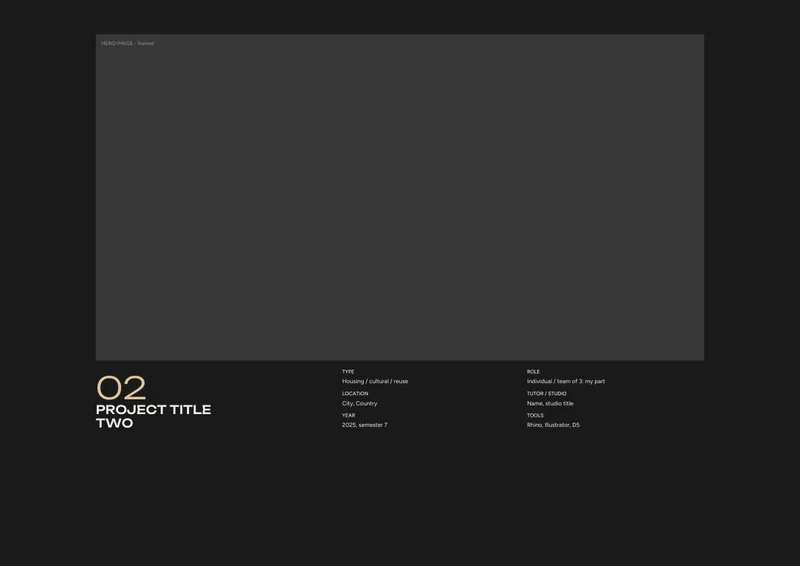 07 Project opener - P2
-
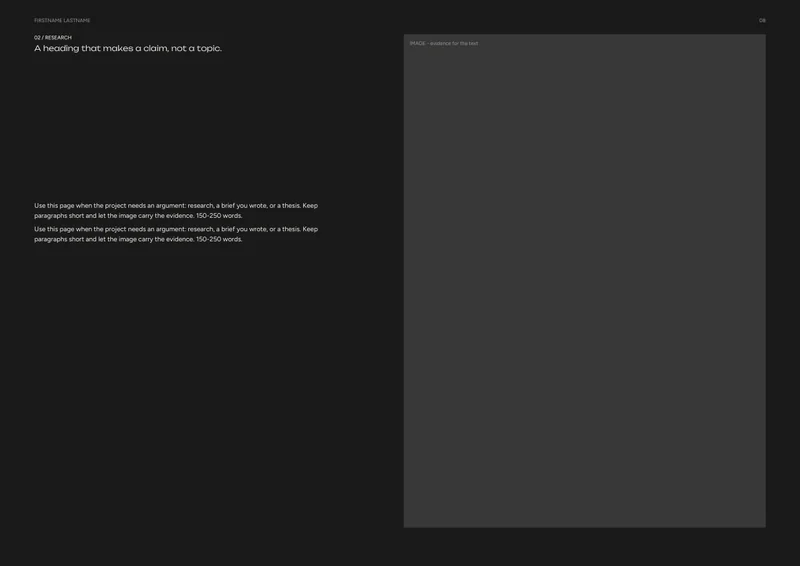 08 Text & image - P2
-
 09 Elevations - P2
-
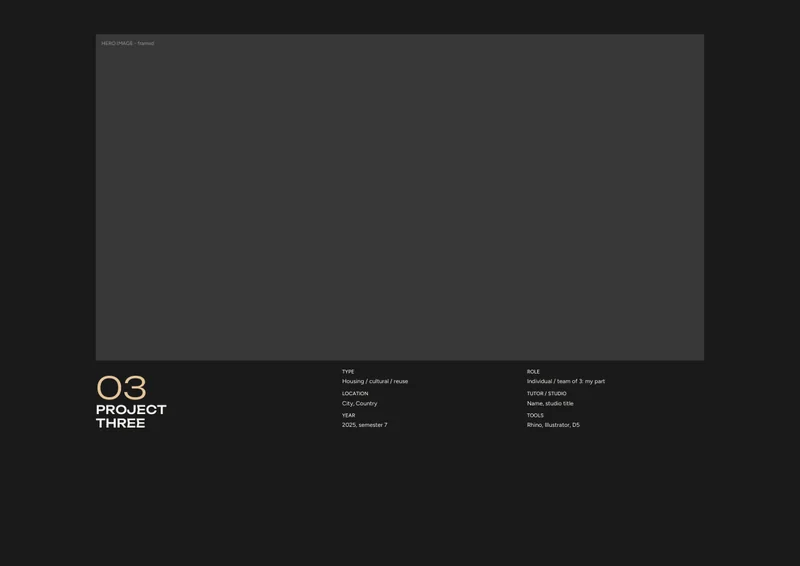 10 Project opener - P3
-
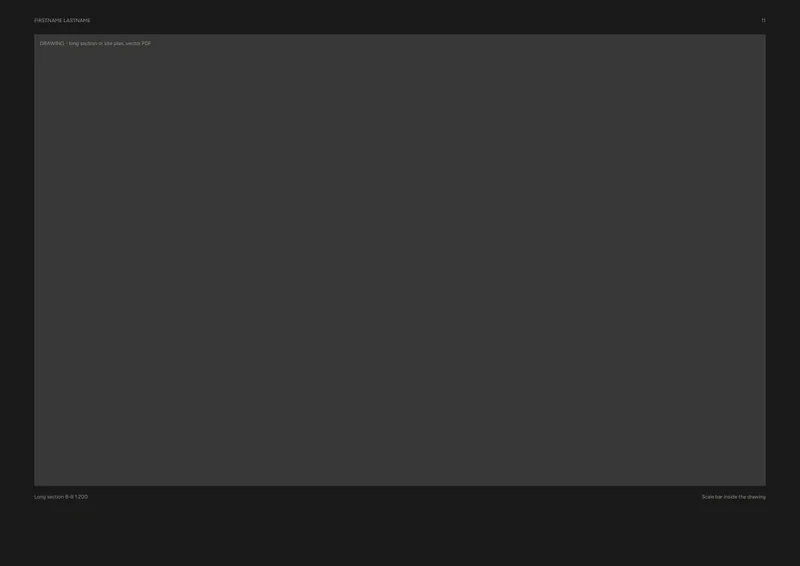 11 Large drawing - P3
-
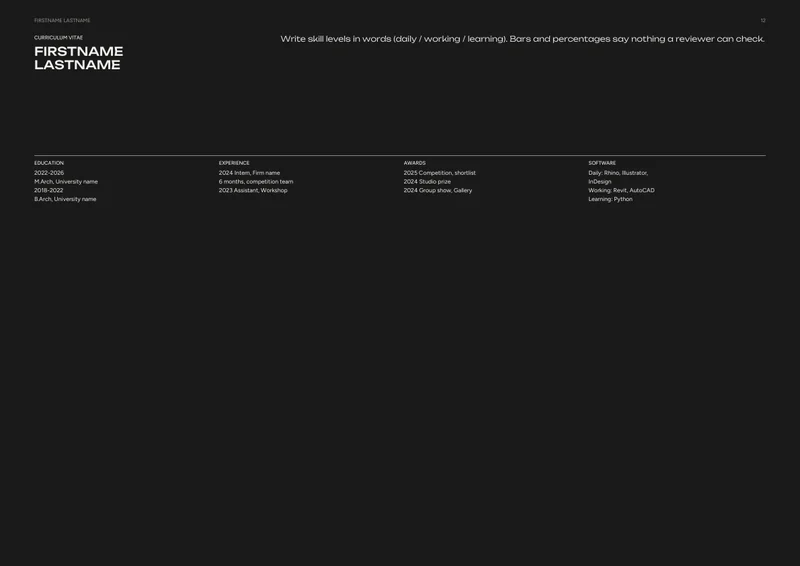 12 Curriculum vitae
-
 13 Back cover
Portrait A4 210 x 297 mm
-
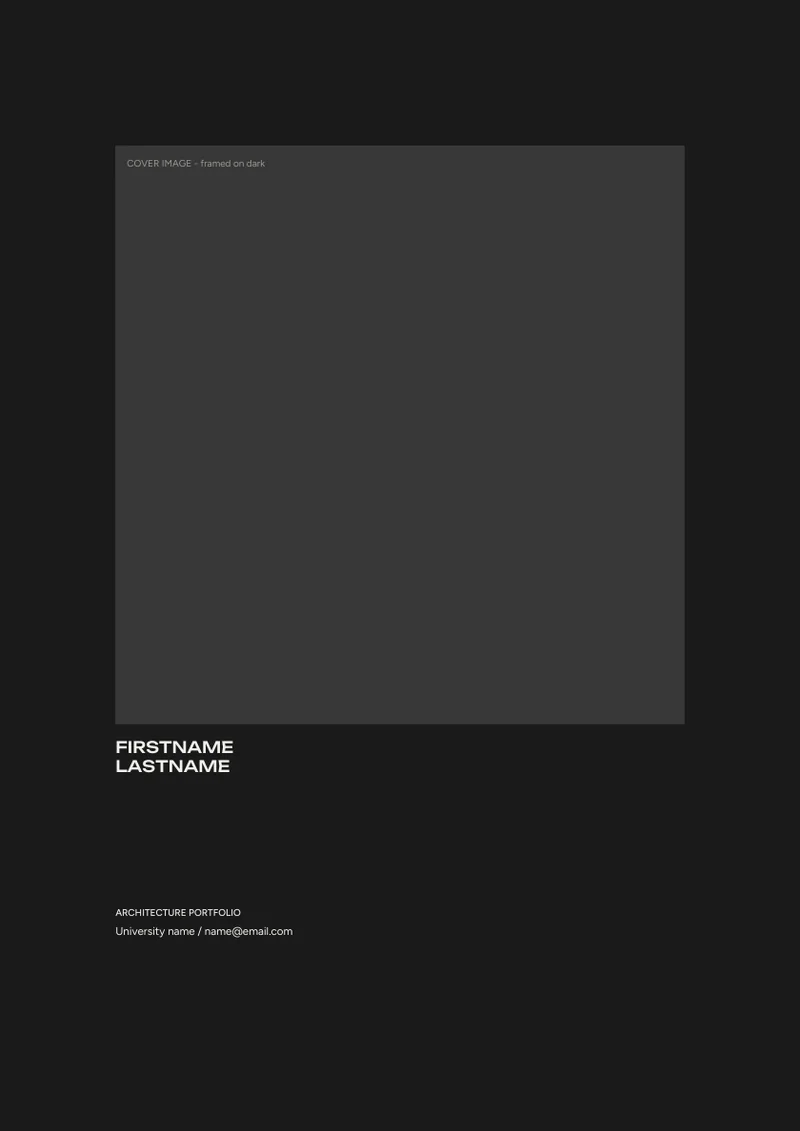 01 Cover
-
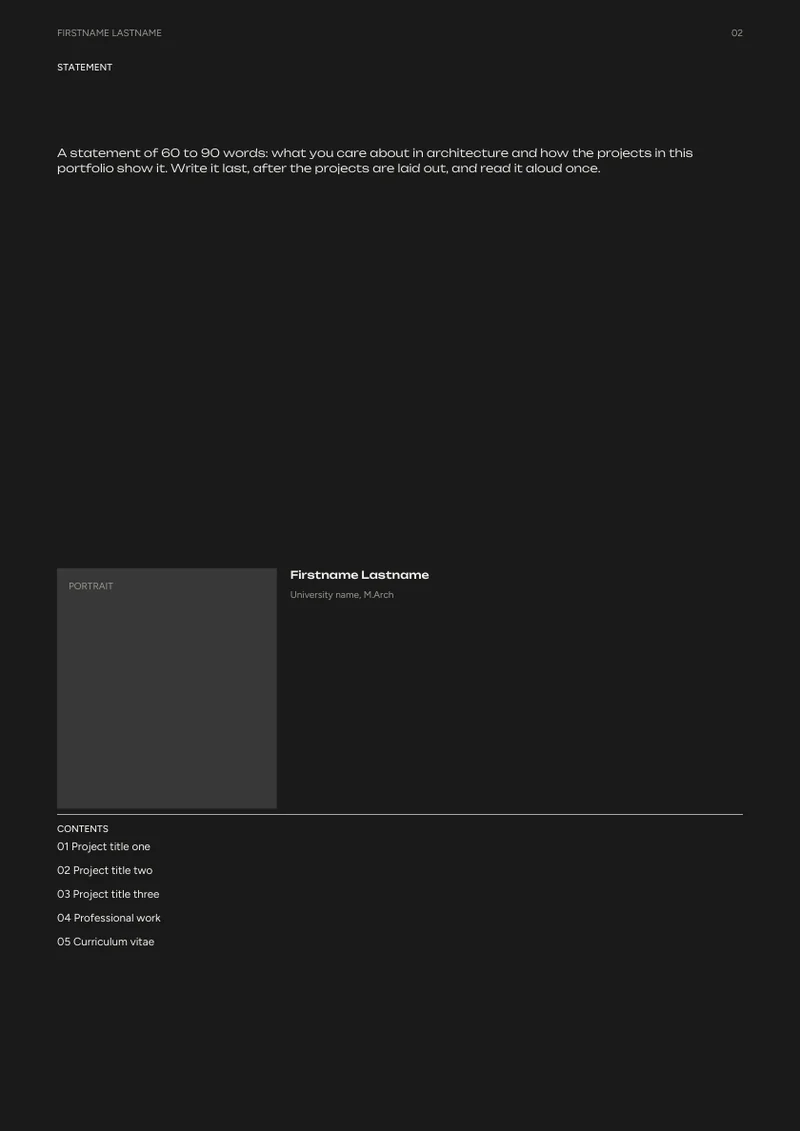 02 Statement
-
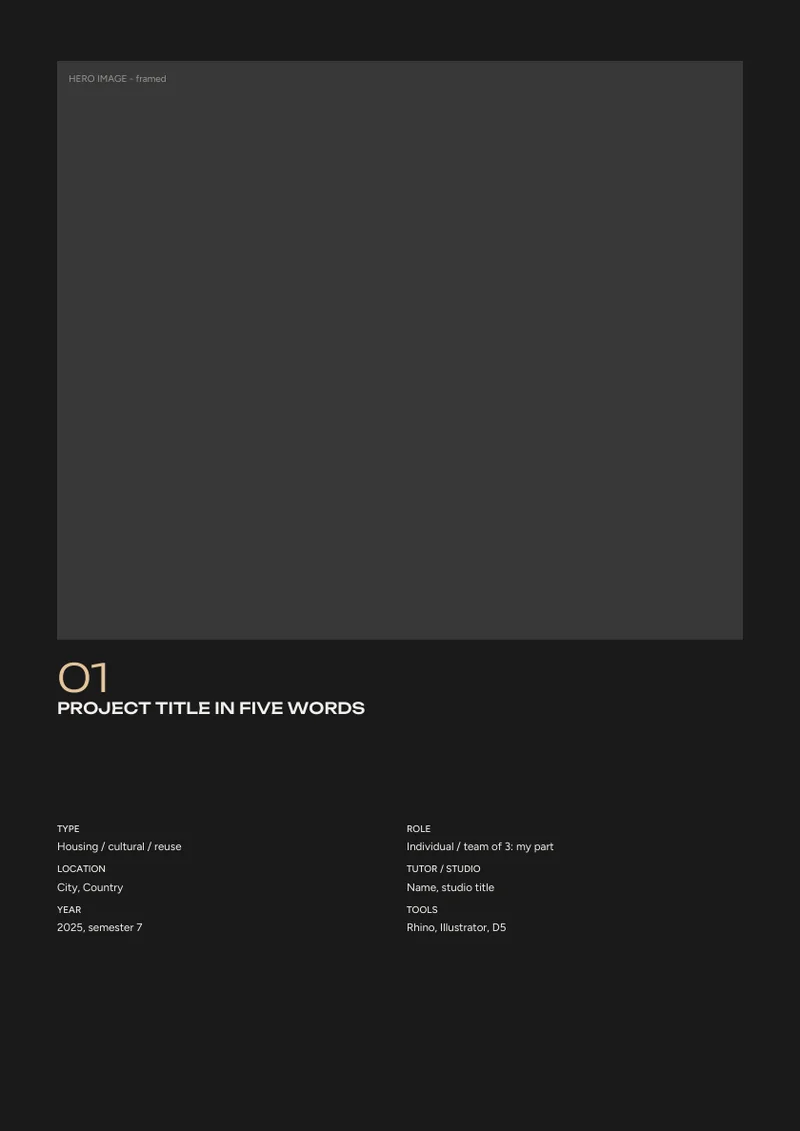 03 Project opener - P1
-
 04 Full-bleed image - P1
-
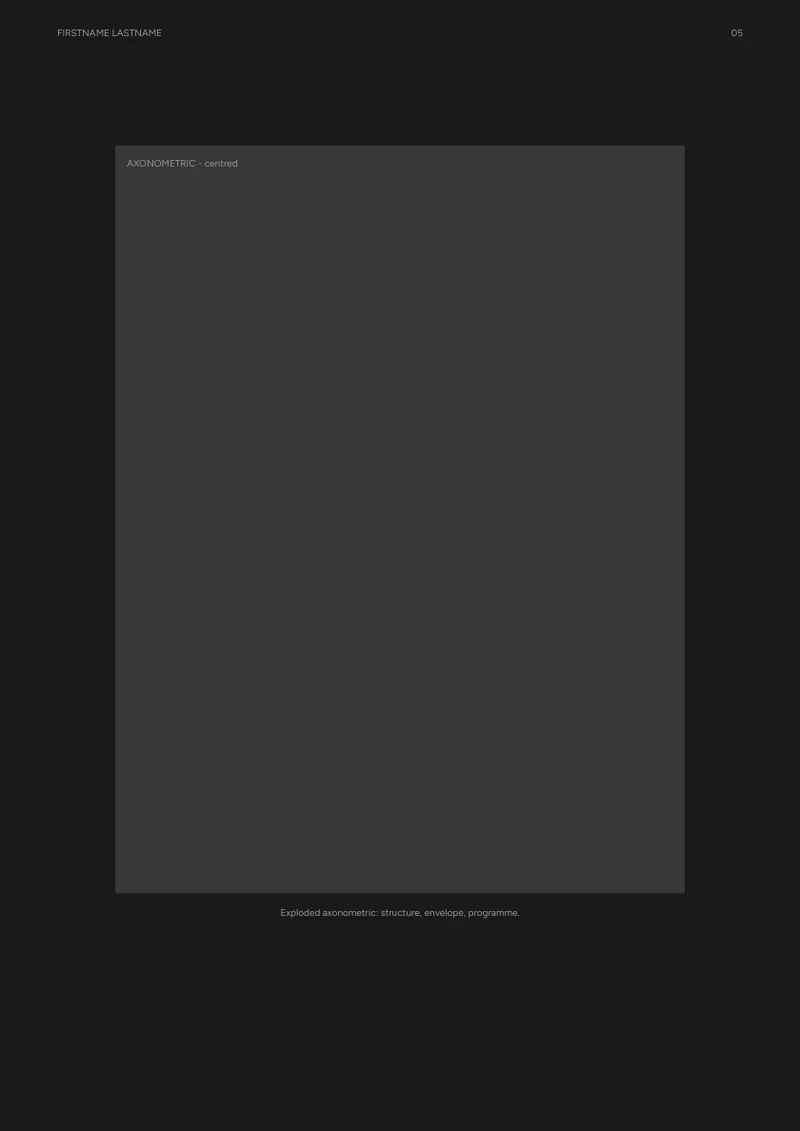 05 Axonometric - P1
-
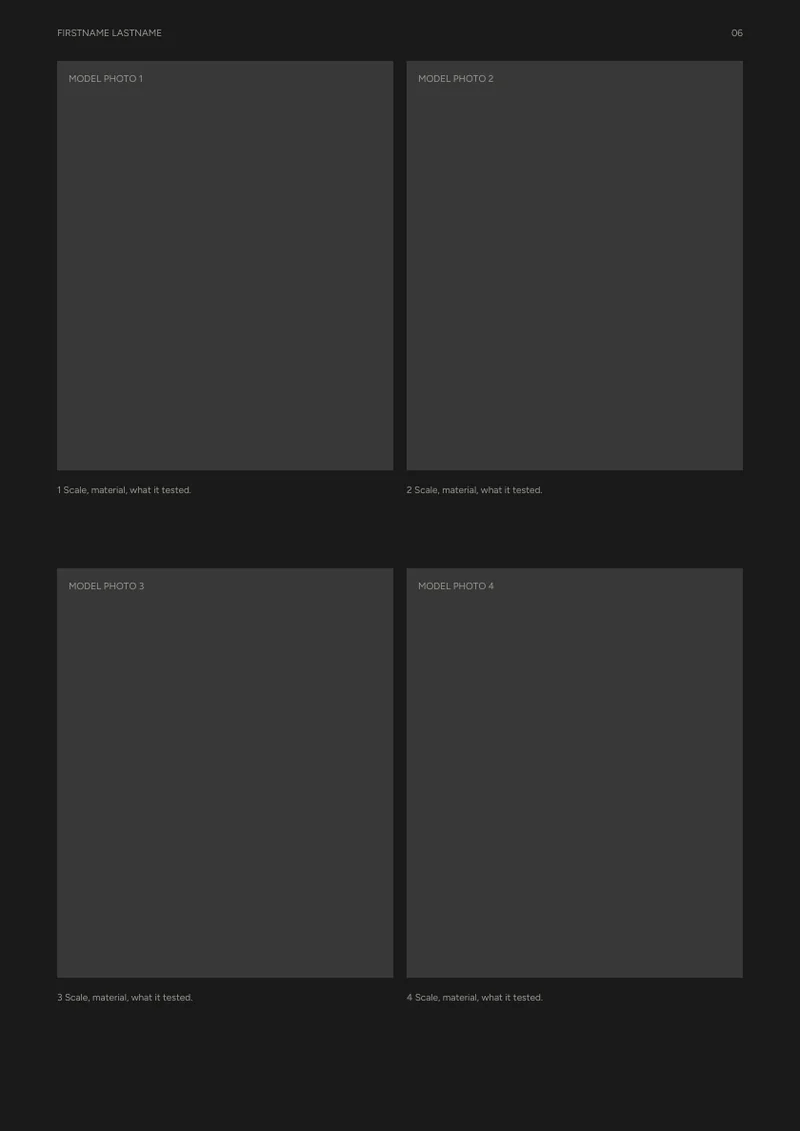 06 Models - P1
-
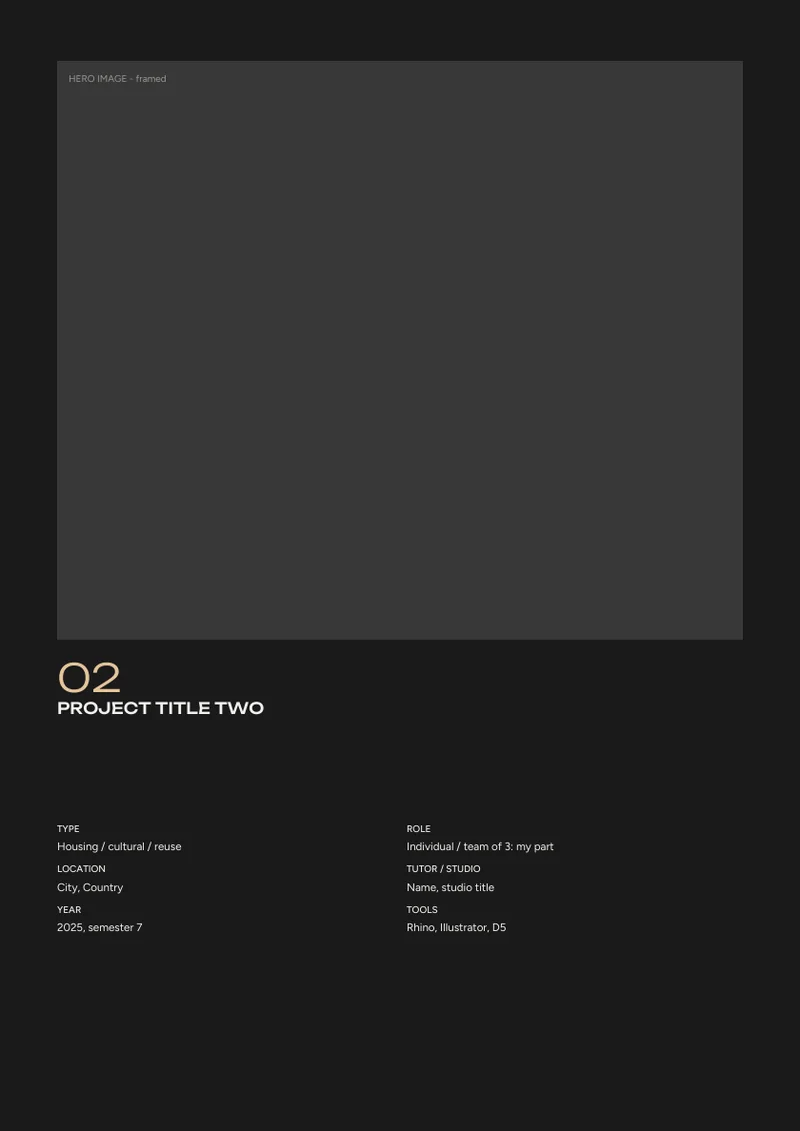 07 Project opener - P2
-
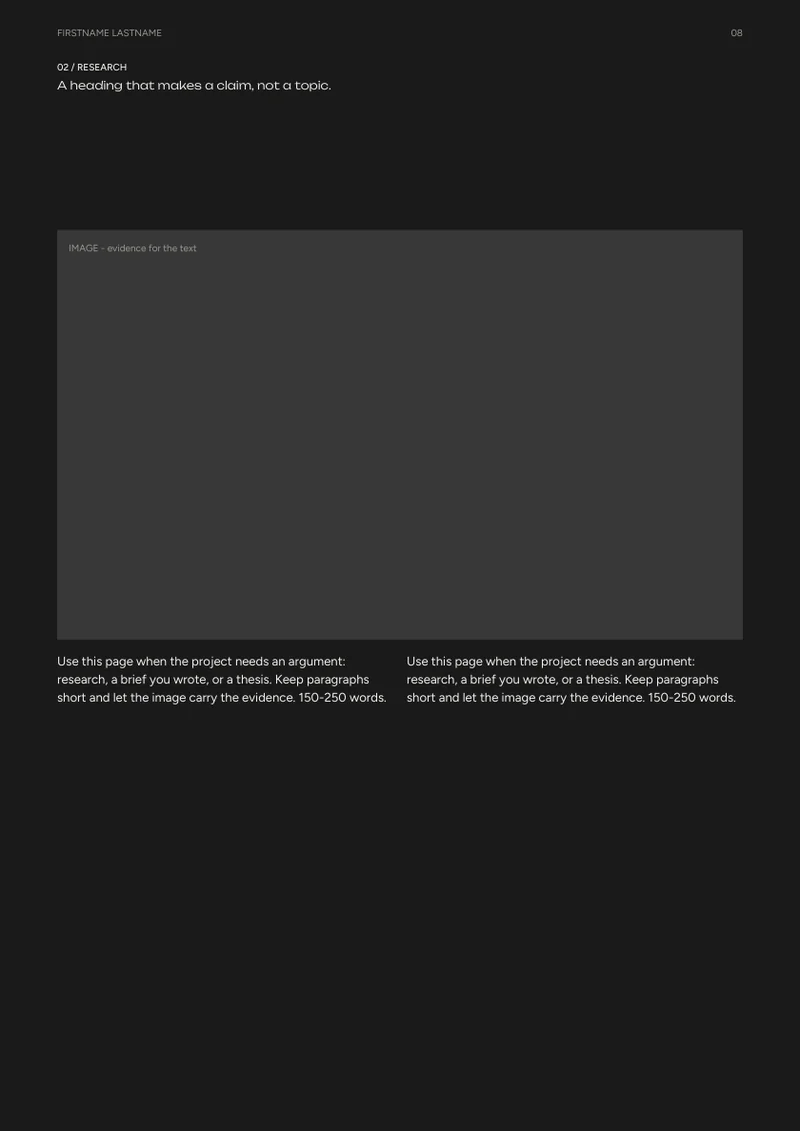 08 Text & image - P2
-
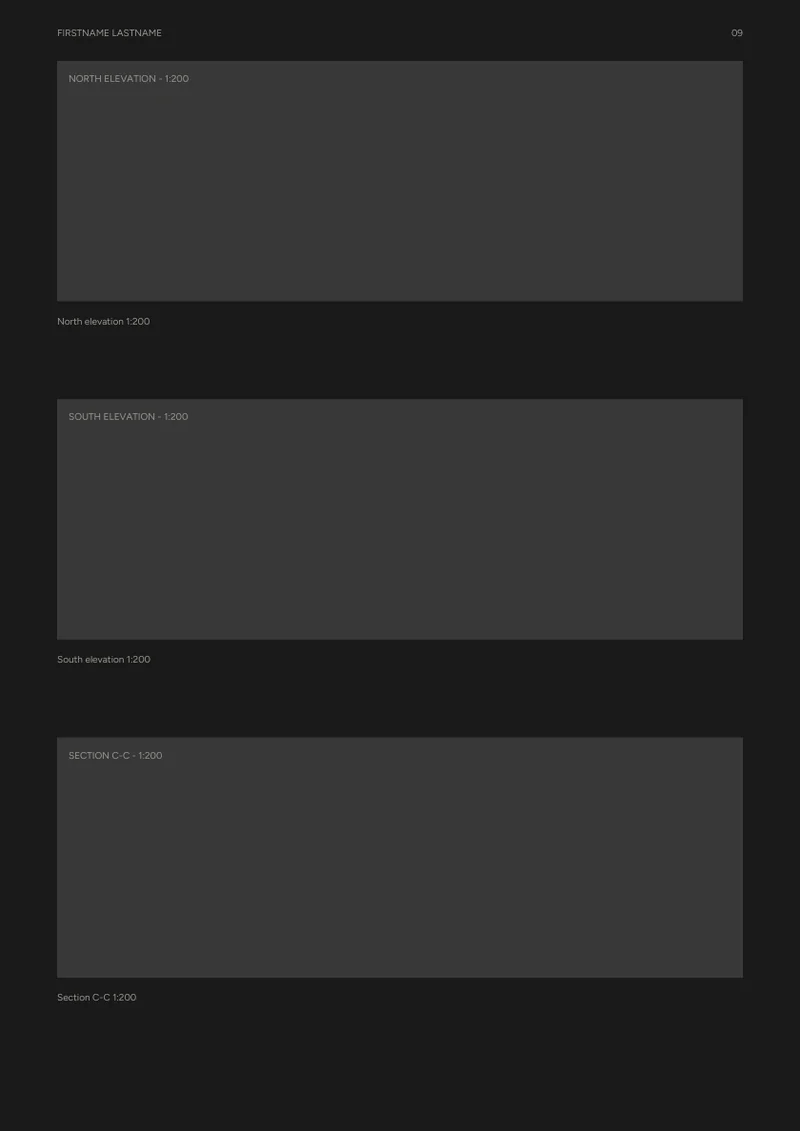 09 Elevations - P2
-
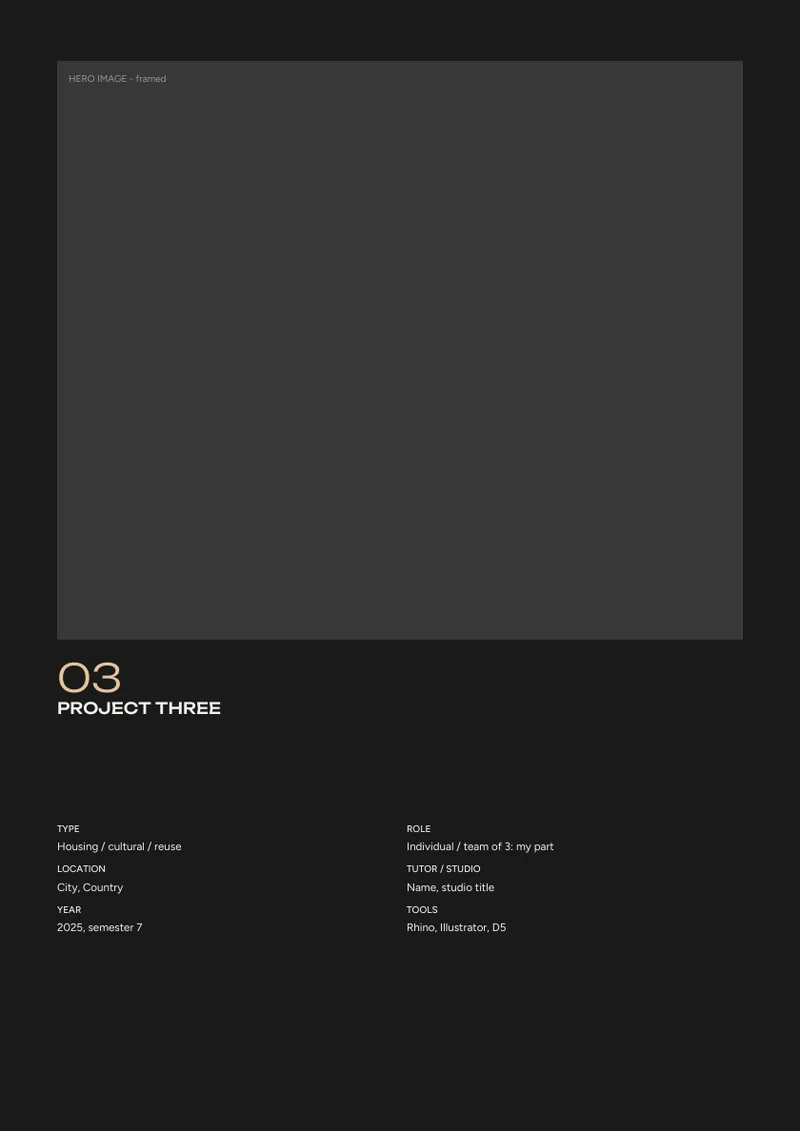 10 Project opener - P3
-
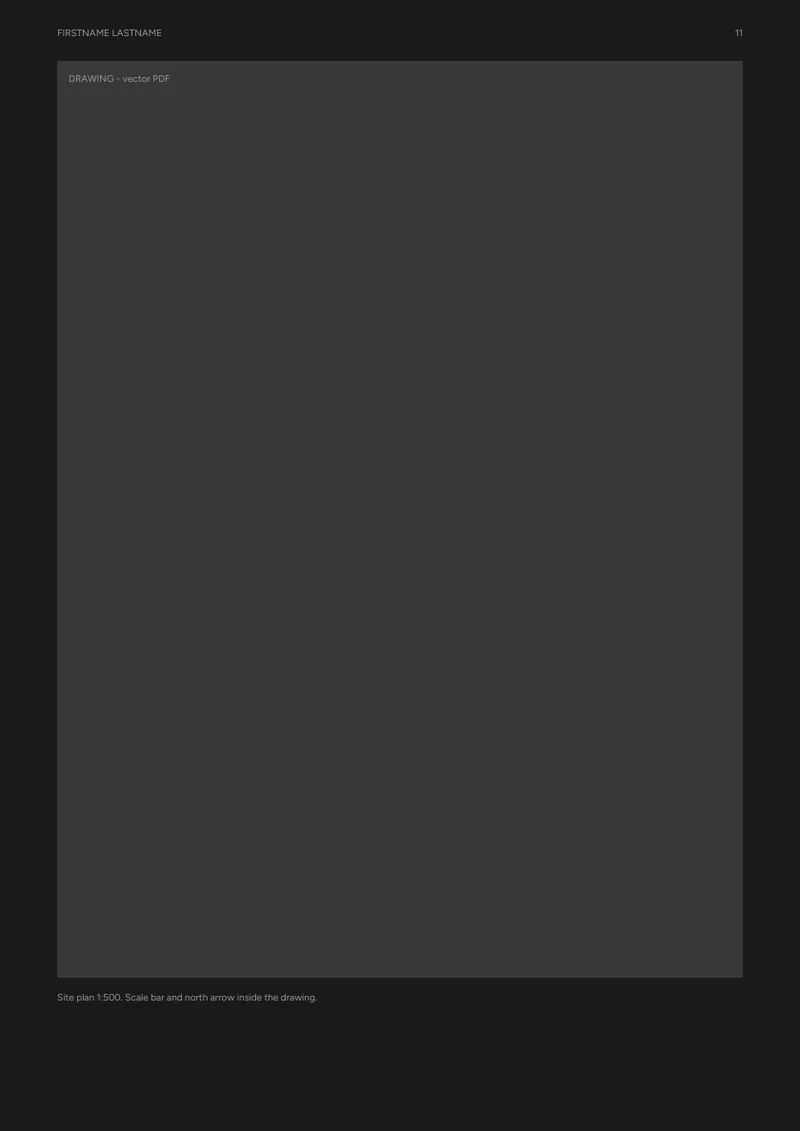 11 Large drawing - P3
-
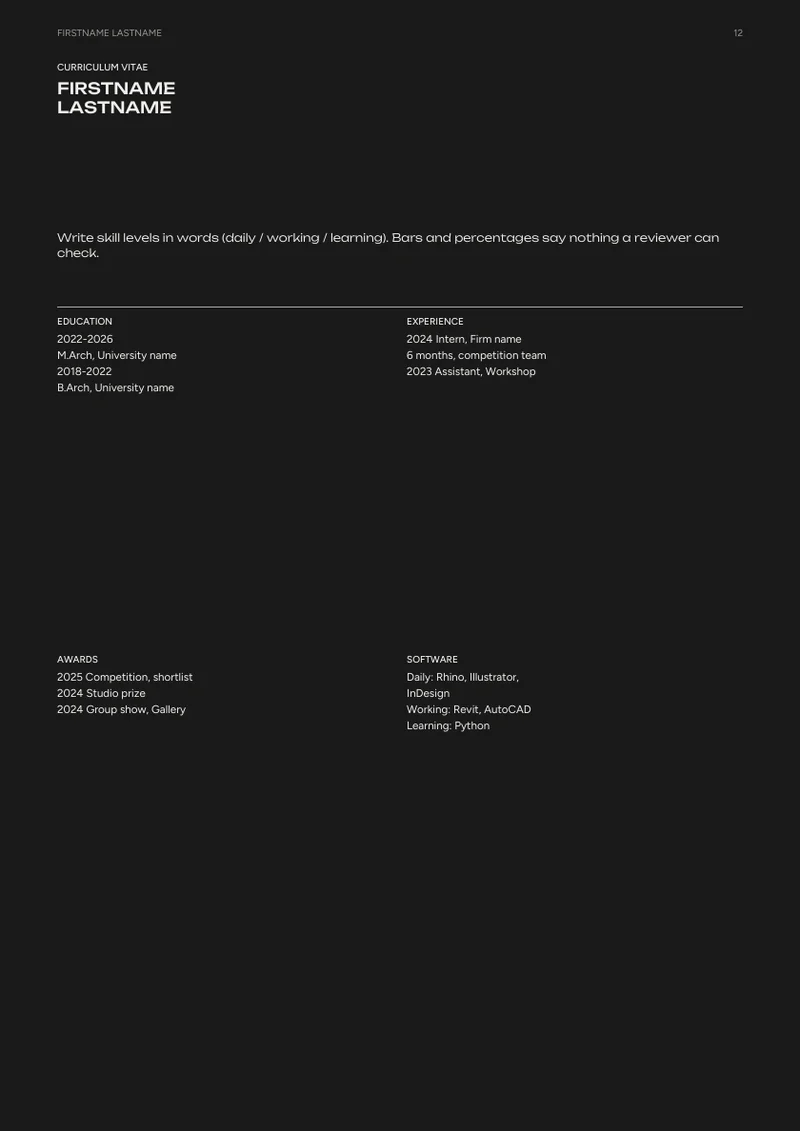 12 Curriculum vitae
-
 13 Back cover
Page by page
What goes on each page, and what a reviewer looks for there.
| Page | What goes here | What a reviewer looks for |
|---|---|---|
| 01 Cover | Dark cover with a framed image | Graphic identity; contrast and restraint |
| 02 Statement | A short design statement, portrait and contents | Concept and narrative across the whole portfolio |
| 03 Project opener - P1 | Dark page, framed hero image, title and data below | Rendering and visualisation; a deliberate pause between projects |
| 04 Full-bleed image - P1 | One image across the whole page with a short caption | Rendering and visualisation at full size |
| 05 Axonometric - P1 | One centred drawing with generous white space | Diagramming and analysis; drawing as the main event |
| 06 Models - P1 | Four model photos in a grid | Process and iteration through physical models |
| 07 Project opener - P2 | Dark page, framed hero image, title and data below | Rendering and visualisation; a deliberate pause between projects |
| 08 Text & image - P2 | A longer piece of writing next to one image | Concept and narrative in your own words |
| 09 Elevations - P2 | Three elevations or sections stacked | Technical drawing quality; consistent scale |
| 10 Project opener - P3 | Dark page, framed hero image, title and data below | Rendering and visualisation; a deliberate pause between projects |
| 11 Large drawing - P3 | One drawing across the page with its scale | Technical drawing quality at a readable size |
| 12 Curriculum vitae | Education, experience, awards, software | Submission fit; skills stated in words |
| 13 Back cover | Contact and a QR code on a dark page | Easy to reach you |
Type and colour
Paragraph styles
- Display
- Unbounded MediumYour name on the cover
- Number
- Unbounded LightProject numbers on opener pages
- Title
- Unbounded Medium capsProject and section titles
- Lead
- Unbounded LightThe one-sentence idea of a project, statements
- Heading
- Unbounded MediumSub-headings, contents entries
- Body
- Figtree RegularRunning text
- Label
- Figtree Medium capsSmall section labels
- Data
- Figtree RegularProject data, CV entries
- Caption
- Figtree RegularImage captions
- Folio
- Figtree Regular capsRunning header and page numbers
Colours
- Paper
#1B1B1B - Ink
#F2F0EB - Grey
#9A978F - Accent
#E4C59A
Recolour the whole document by editing one swatch. All fonts are free under the SIL Open Font License and come in the download.
What is in the download
- Editable InDesign IDML for both formats: master pages, paragraph styles, swatches and labelled frames. Opens in InDesign CC 2019 or later and in Affinity Publisher.
- Preview PDF and page images of both formats, to see the layout before you open anything.
- The fonts, free under the SIL Open Font License.
- A user guide: the grid, styles, filling it in and exporting the PDF.