

An architecture portfolio template is a pre-built file with a grid, typography system, and page structure you can download, fill with your own drawings, and export. The right template saves hours of layout work and keeps spacing, margins, and captions consistent so reviewers focus on your projects instead of formatting flaws.
Most students start with a blank InDesign document and lose a weekend wrestling with column widths. A good architecture portfolio template skips that pain. It hands you a working layout that you customize, swap your work into, and publish. Below is a practical breakdown of where to download free and paid options, how to adapt them without making them look generic, and how to push the finished file to Issuu or a PDF that firms can open in seconds.
What is an architecture portfolio template?
An architecture portfolio template is an editable document, usually built in Adobe InDesign, that contains placeholder pages for a cover, contents, project spreads, and contact details. It defines the underlying grid, the heading and body type pairing, image frame proportions, and a caption pattern. You replace the placeholder content with your plans, sections, renderings, and process work.
Templates ship in a few common formats. InDesign files come as INDD or the more portable IDML, which opens across CS4 through current Creative Cloud versions. Some packs add Photoshop (PSD) or PowerPoint variants for people without InDesign. Print-ready packs are set up at 300 DPI in CMYK, while digital-first ones stay in RGB for screens.
📌 Did You Know?
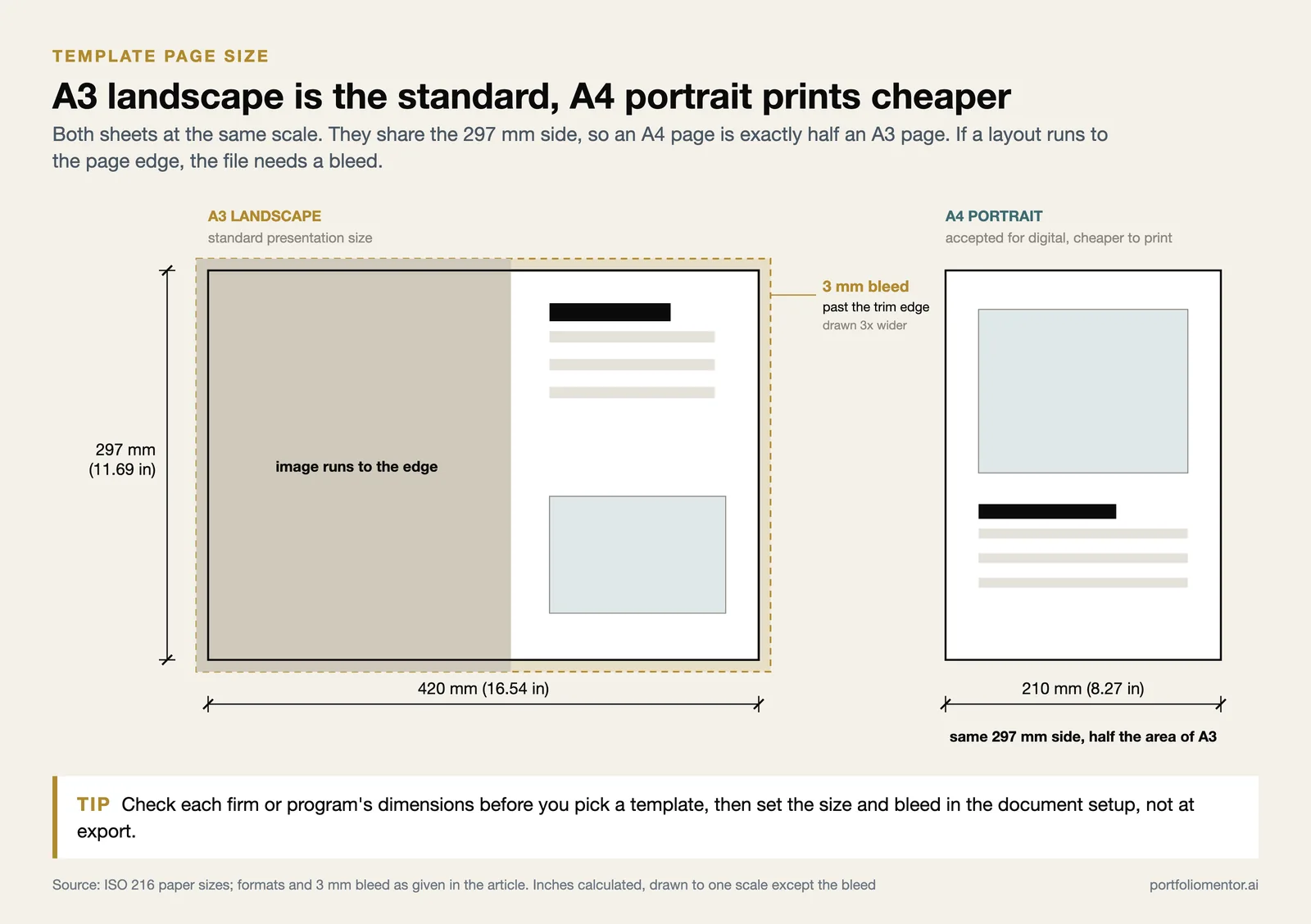
The free minimal architecture portfolio template from InDesign Skills is set at A3 (16.54 x 11.69 inches), the standard presentation size used across most architecture programs, and ships as both an INDD and an IDML file so it opens in nearly any InDesign version.
Where can you download free architecture portfolio templates?

Several reputable sites publish genuinely free, editable files rather than locked previews. The trade-off with free templates is that thousands of people use the same base, so customization matters more (covered further down).
- InDesign Skills offers a free A3 template with four interior spreads plus front and back covers, including an intro page, project pages, and a contact section.
- Archisoup shares free page templates and a portfolio checklist alongside its paid pack, which is useful for benchmarking your structure.
- Issuu hosts thousands of real student and graduate portfolios you can study for layout ideas before committing to one template.
If you want a layout system built specifically for the type of work you do, the Portfolio Mentor template gallery provides specialization-specific grids for residential, commercial, civic, master plan, urban design, landscape, interior, and mixed-discipline work, with example pages showing how to lay out plans, sections, and process drawings for each.
⚠️ Common Mistake to Avoid
Downloading a free template and submitting it almost untouched is the fastest way to look anonymous. Reviewers see the same popular layouts dozens of times each cycle. Treat the file as a starting grid, then change the type, color, and cover so your work, not the template, is what stands out.
Free vs paid architecture portfolio templates
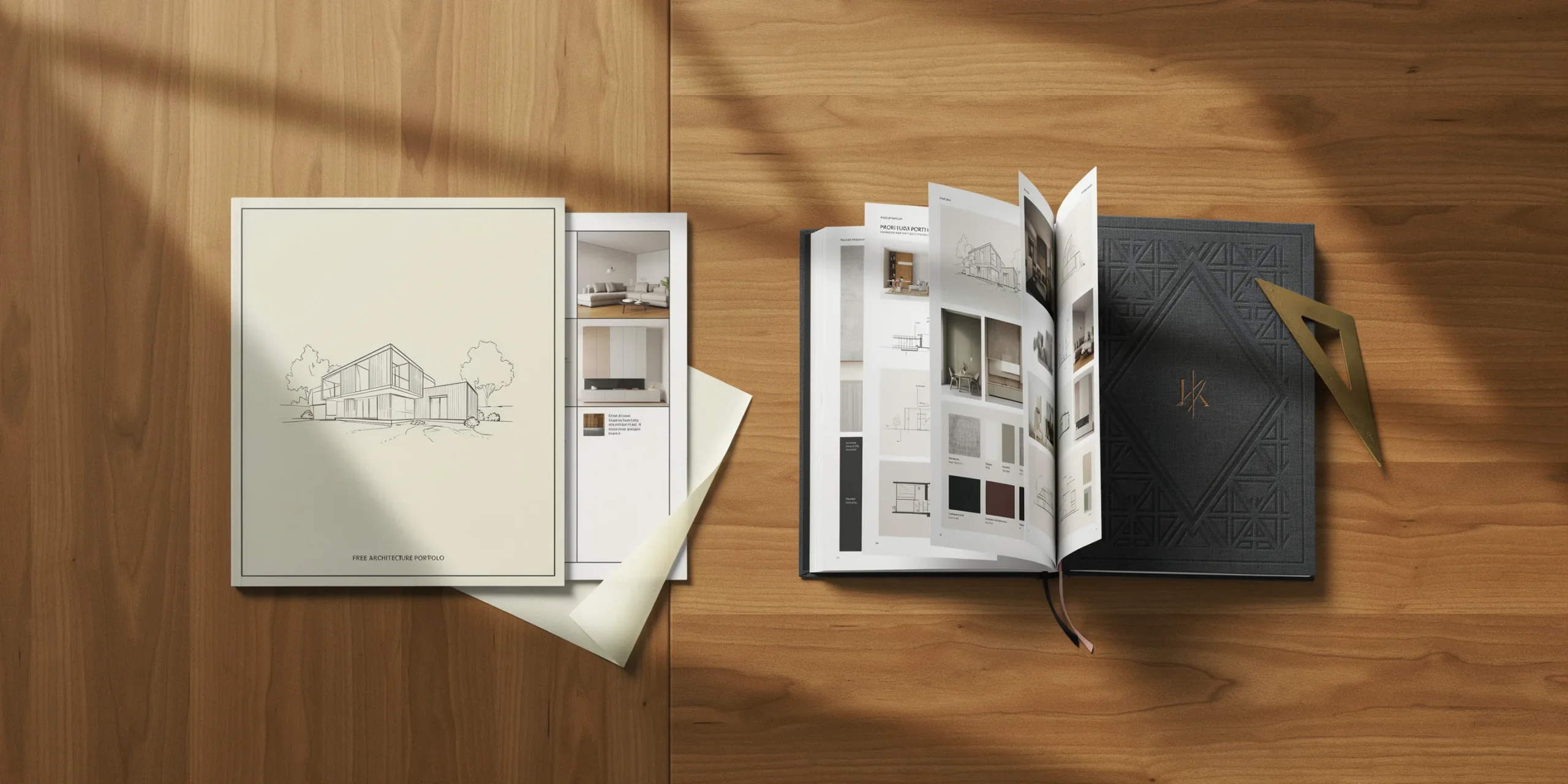
Free and paid templates serve different needs. Free files are great for a first portfolio, tight deadlines, or testing whether you even enjoy working in InDesign. Paid packs add more page variety, polished detailing, and support. The table below compares the two on the factors that actually affect your final document.
Comparison of free vs paid architecture portfolio templates
| Factor | Free Templates | Paid Templates |
|---|---|---|
| Page variety | 4 to 8 spreads, basic covers | 24 to 50+ project pages, multiple covers |
| Cost | $0 | Roughly $15 to $40 per pack |
| Uniqueness | Widely used, needs heavy editing | Less common, still needs personalizing |
| Format support | Often INDD plus IDML | INDD, IDML, sometimes PSD and multiple sizes |
| Best for | First portfolio, students, fast turnaround | Job applications, more projects to show |
Whichever route you pick, the template is only a frame. The strength of your projects and the way you sequence them decide whether the portfolio works. For deeper structure advice, see the common architecture portfolio mistakes to avoid and our guide to building an undergraduate architecture portfolio from scratch.
How do you customize an architecture portfolio template?
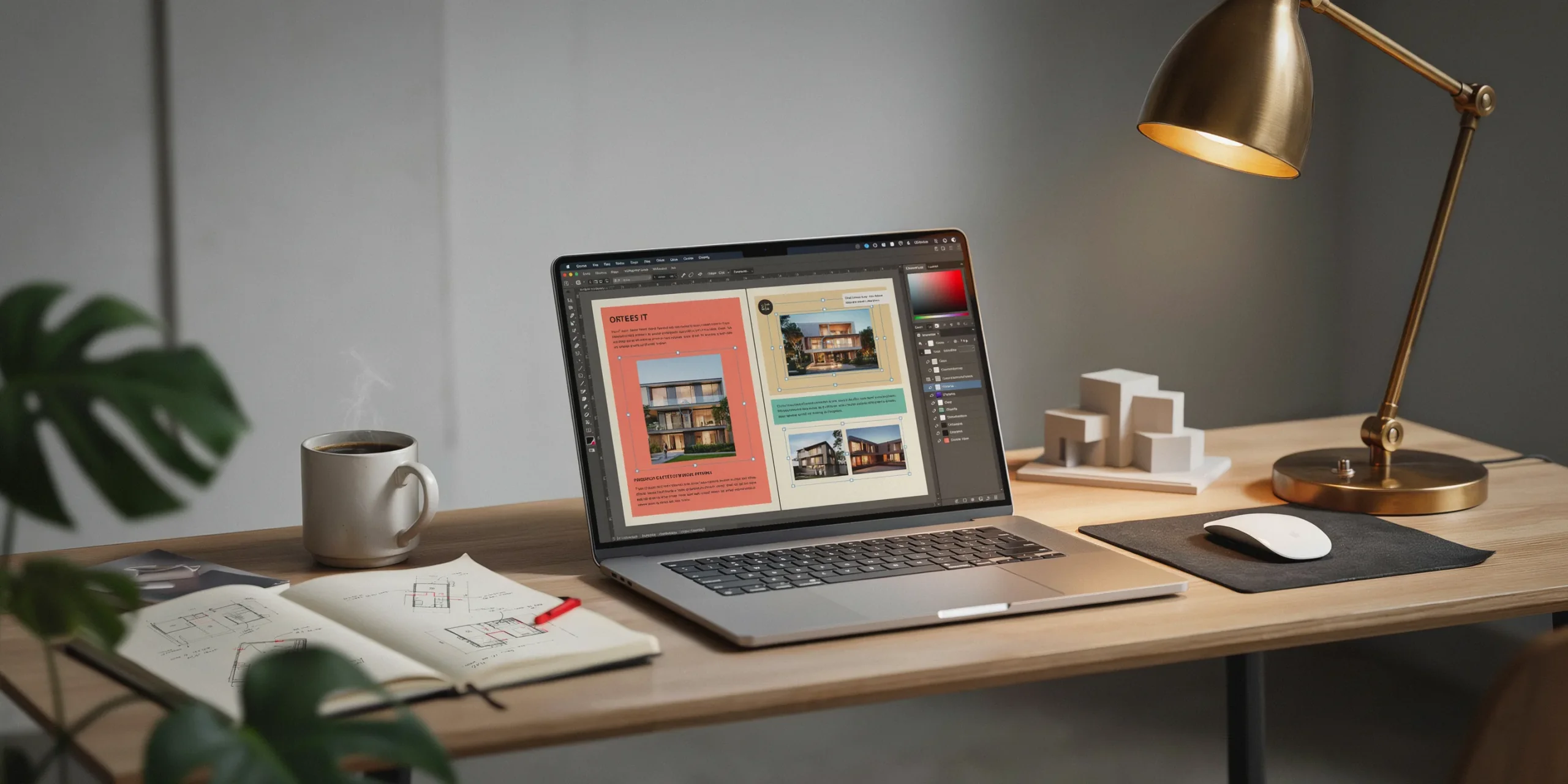
Customizing a template well means changing enough that it reads as yours while keeping the structural decisions that make it work. Open the file in InDesign and adjust these elements in order.
- Replace the type. Swap the template fonts for one or two typefaces you have chosen, then set them in paragraph styles so changes apply everywhere at once.
- Set your color. Pick one accent color tied to your work and apply it through swatches rather than coloring objects manually.
- Rebuild the cover. The cover is the page reviewers judge first, so redesign it instead of reusing the template default.
- Fit images to the frames. Use the grid as given and resize your drawings into the existing image frames so margins stay even.
- Rewrite every caption. Replace placeholder text with the project name, year, your role, and one line of concept.
💡 Pro Tip
When you import your own images, hold Shift while dragging frame handles in InDesign so you do not distort plans or elevations. Distorted line weights are one of the first things experienced reviewers notice, and they read as carelessness even when the design is strong.
📐 Technical Note
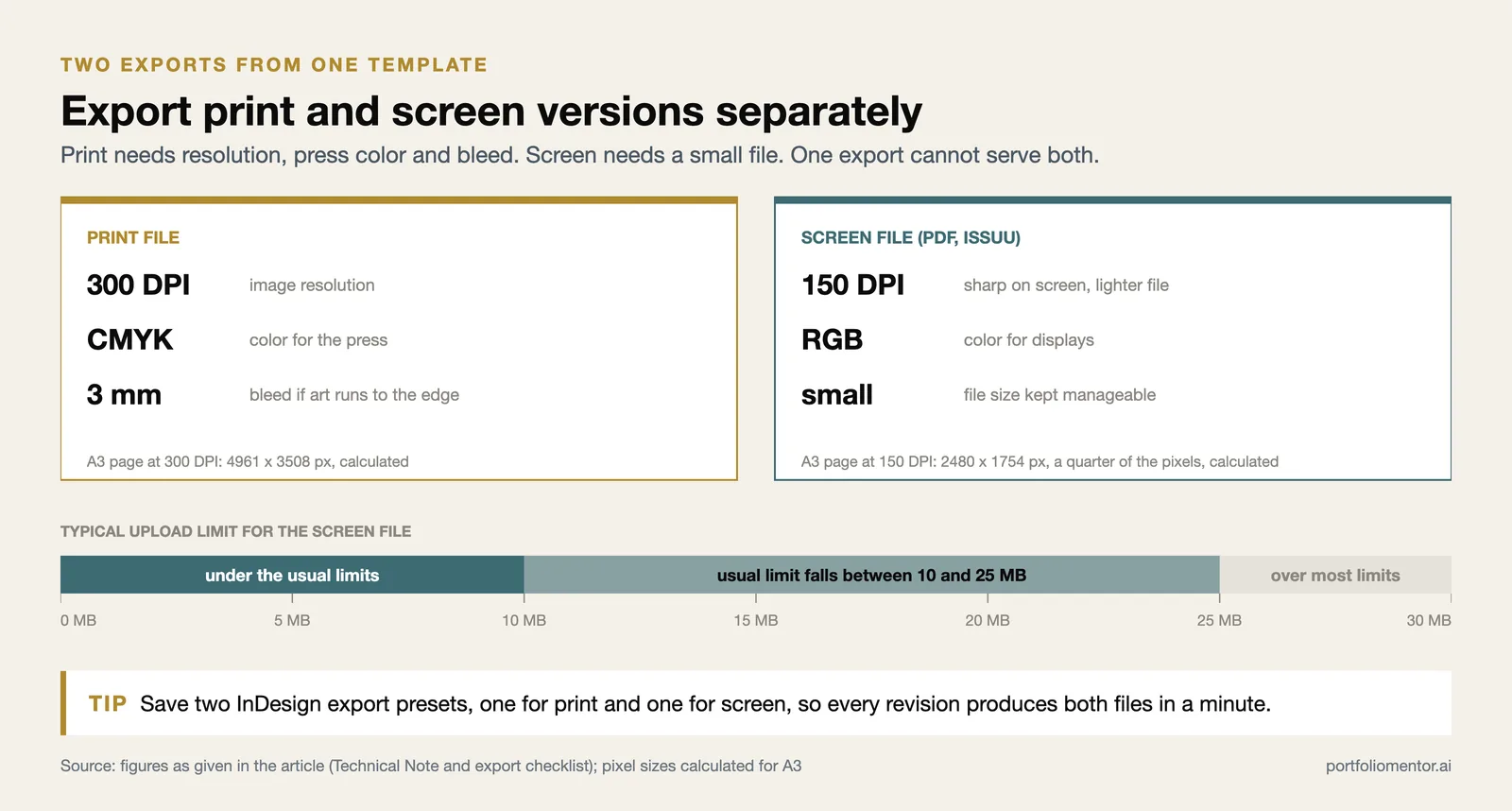
For a printed portfolio, keep images at 300 DPI in CMYK and add a 3mm bleed if the layout runs to the page edge. For a digital-only PDF or an Issuu upload, RGB at 150 DPI keeps file size manageable while staying sharp on screen. Export print and screen versions separately rather than reusing one file for both.
Customization checklist before you export
Run through this list before you produce the final file. It catches the issues that make a templated portfolio look unfinished.
- Every placeholder image and dummy caption has been replaced.
- Fonts are embedded or outlined so the file looks identical on other machines.
- Page numbers run correctly and the contents page matches the project order.
- Your name and contact details appear on the cover or first spread.
- Margins and gutters are consistent across every spread.
- The file is under the size limit for the firm or program you are applying to, usually 10 to 25 MB.
A tidy template still benefits from a second opinion. The Portfolio Mentor AI review scores a finished portfolio against a ten-criterion rubric covering concept, drawing quality, curation, and narrative, then flags page-level fixes ranked by priority. It is a fast way to confirm your customization landed before you send the file out.
How do you publish a portfolio template on Issuu?
Issuu turns a flat PDF into an interactive flipbook with turnable pages, which is a common way to share student and graduate work online. The process is short.
- Export your finished template from InDesign as a PDF, or connect InDesign, Canva, Google Drive, or Dropbox directly.
- Upload the file to Issuu, which converts it to a flipbook within minutes.
- Add interactive elements such as links to your website, project pages, or contact details.
- Share through a direct URL, embed code, social links, or a QR code for networking events.
Issuu also reports which pages readers view most and how long they spend on each project, according to Issuu’s own publishing guide. That data tells you which projects pull attention and which spreads people skip, which is useful feedback for your next revision. Keep a downloadable PDF version too, since many firms still ask for an attachable file rather than a link.
⚠️ Common Mistake to Avoid
Sharing only an Issuu link when an application asks for a PDF can get your submission overlooked, since some firms block external sites or want a file on record. Always attach a compressed PDF and offer the Issuu flipbook as a secondary, richer option.
Frequently asked questions
Do I need InDesign to use an architecture portfolio template?
Most professional templates are built in InDesign, and it gives you the cleanest control over grids and type. If you do not have it, look for templates offered in PowerPoint or Canva, or use a browser-based layout system that exports to PDF. The structure matters more than the software.
Are free architecture portfolio templates good enough for job applications?
Yes, when customized well. A free A3 template with your own type, color, cover, and strong project curation can compete with paid packs. The weakness of free files is shared popularity, so the editing you do is what separates your portfolio from the next applicant using the same base.
What size should an architecture portfolio template be?
A3 landscape is the most common presentation size, though A4 portrait is widely accepted for digital submissions and prints more cheaply. Check the requirements of each firm or program first, since some cap file size or specify dimensions.
Putting It All Together
✅ Key Takeaways
- An architecture portfolio template gives you a working grid and type system so you skip blank-page layout work.
- Free files from InDesign Skills and Archisoup suit first portfolios, while paid packs add page variety for larger bodies of work.
- Customize the type, color, cover, and captions so the template reads as yours, not as a stock layout.
- Export print versions in CMYK at 300 DPI and digital versions in RGB, keeping file size in check.
- Publish on Issuu for an interactive flipbook, but always keep a downloadable PDF for applications.
A template removes the busywork, but it cannot decide which projects to show or how to sequence them. Spend the time you save on curation and captions, because that is the part reviewers actually remember.