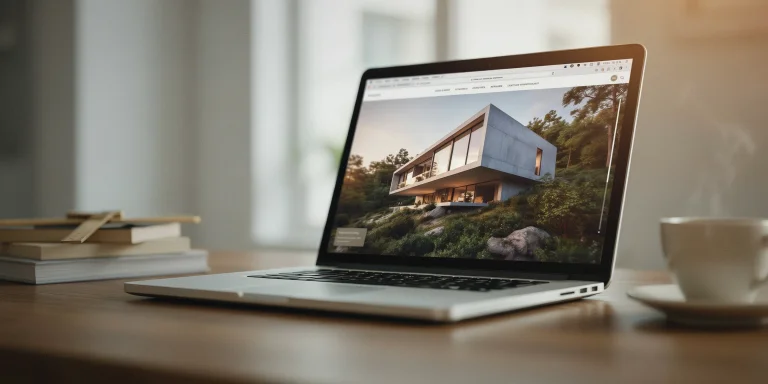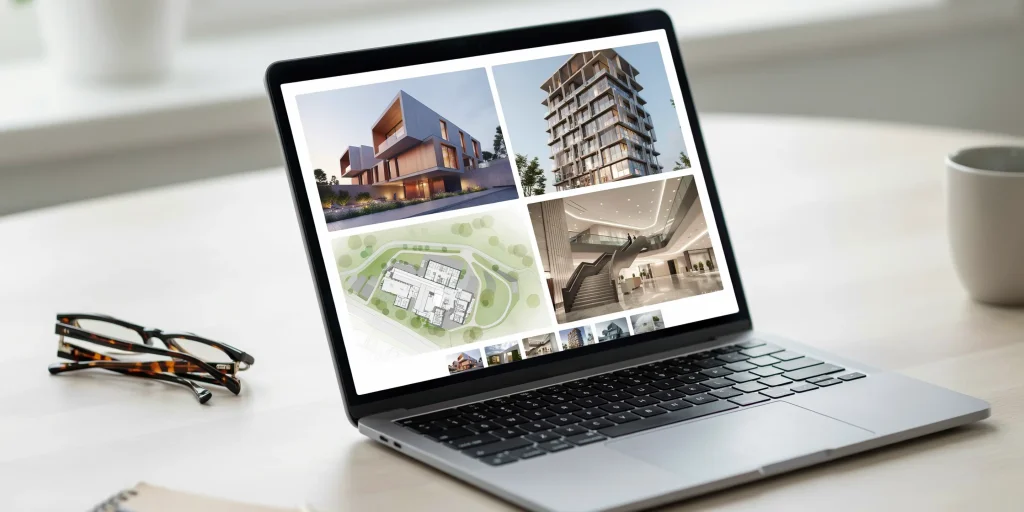
A digital architecture portfolio is your work delivered in a screen-first format, usually as a personal website, a downloadable PDF, or a hosted platform like Issuu. A website wins for discovery, updates, and interactivity, while a PDF wins for control, polish, and offline interviews. Most architects need both, used for different moments in a job search.
Choosing the right format for your digital architecture portfolio is no longer optional. Firms expect to find your work online before an interview and to receive a clean file they can open without friction. The problem is that web and PDF solve different problems, and using the wrong one at the wrong moment costs you opportunities. This guide breaks down each option, the tools that build them, and exactly when to reach for each.
What is a digital architecture portfolio?

A digital architecture portfolio is a curated collection of your design work formatted for screens rather than print. It typically takes one of three forms: a personal portfolio website with its own domain, a PDF document you email or upload, or an online architecture portfolio hosted on a publishing platform such as Issuu or Behance. Each format presents the same projects, but the delivery, navigation, and intended audience differ.
The distinction matters because a hiring manager scanning applications behaves differently from someone discovering your work through a search engine. A PDF lands in an inbox and gets opened during a focused review. A website gets found, shared, and revisited. Understanding that split is the foundation of building a portfolio that actually works, a theme covered in depth in our complete architecture portfolio guide.
📌 Did You Know?
NCARB now treats an online portfolio as a baseline expectation rather than a bonus. In its guidance for architects, it states that as the practice becomes more digital, having an online portfolio is “less of an option and more of a must-have,” particularly for mid-career professionals.
Portfolio website: the case for going web-first

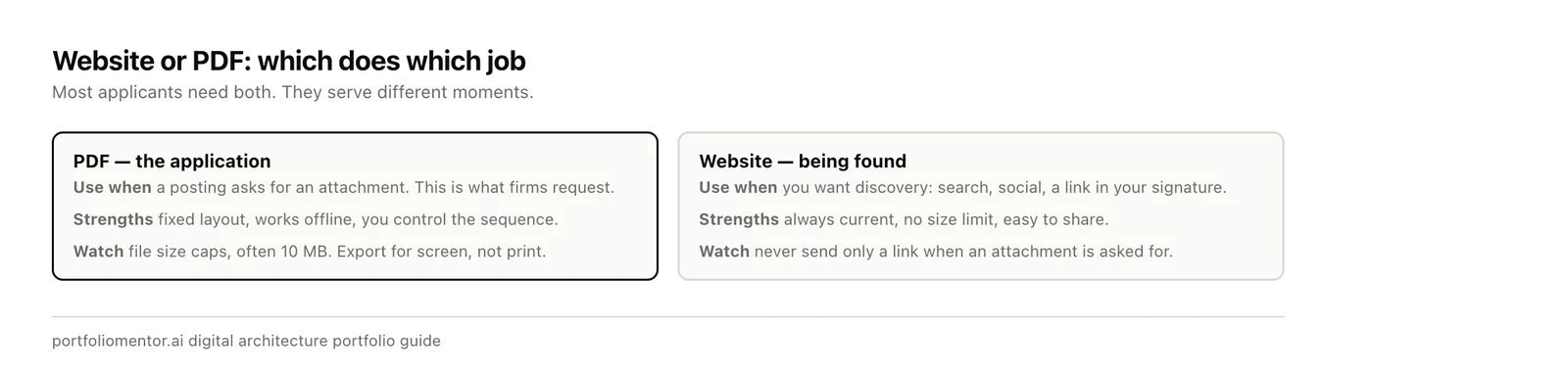
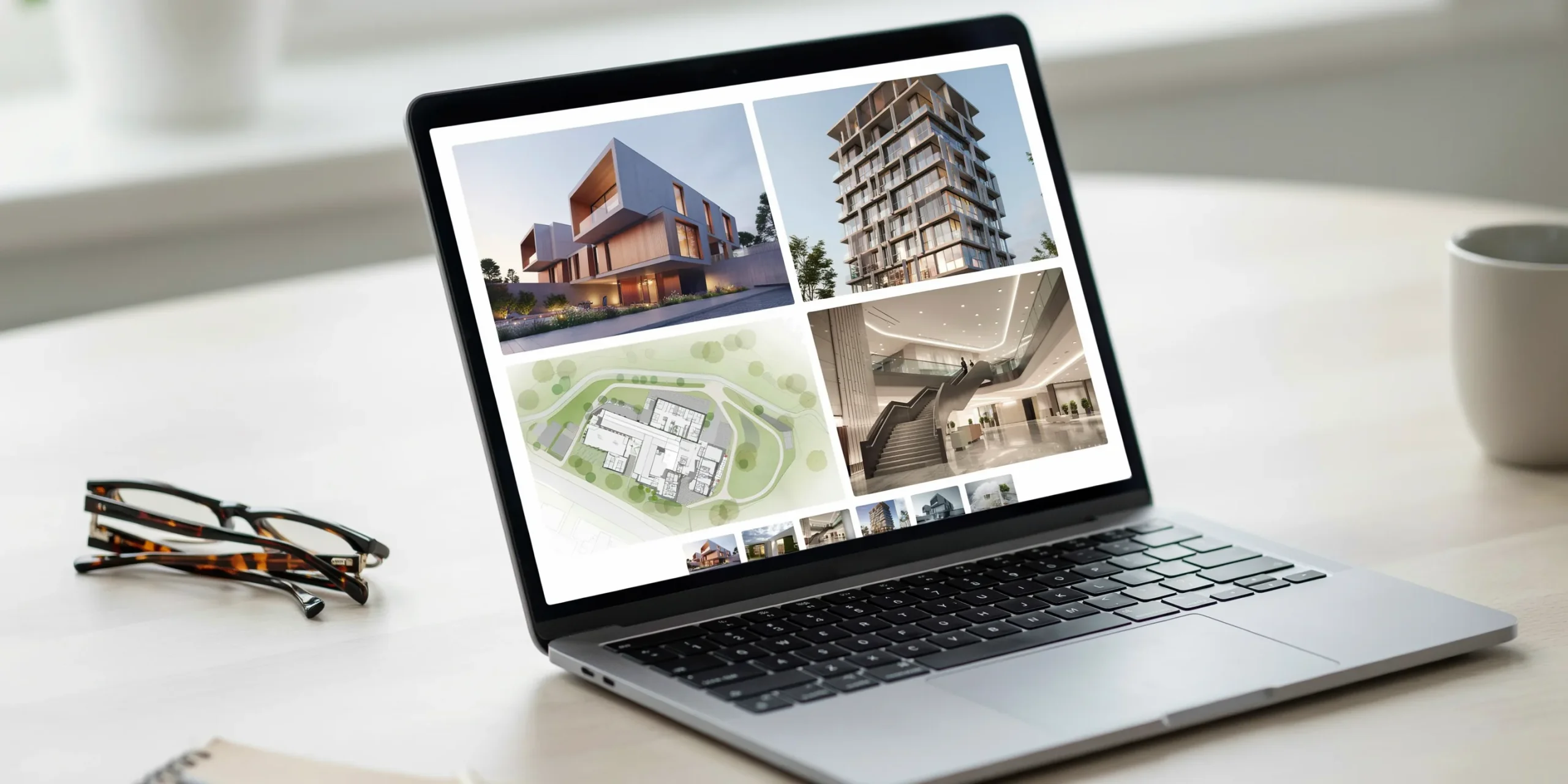
A portfolio website is the version of your work that lives at a permanent URL and can be found, indexed, and shared. It is the format that does the most when you are not in the room. A well-built site keeps working while you sleep, surfacing in searches and giving recruiters something to forward internally.
Advantages of a website
- Discoverability: A site with its own domain can be indexed by search engines, so your name and projects appear when someone looks you up.
- Easy updates: You can add a new project in minutes without re-exporting and re-sending a file.
- Interactivity: Embedded walkthrough videos, animated diagrams, and clickable detail callouts are native to the web and impossible in a flat document.
- One link, infinite reach: A single URL works in an email signature, on LinkedIn, on a business card, and in an application form.
Drawbacks of a website
Websites demand maintenance, a domain renewal, and at least basic attention to layout on phones and tablets. A free template with a generic subdomain and visible ads can hurt you. The Archisoup portfolio guide is blunt about this, warning that relying on a free, ad-supported web version creates “a terrible first impression and almost certainly contributes to putting you at the bottom of the pile.” If you build a site, build it on a clean custom domain.
💡 Pro Tip
When building a portfolio site, design it to be scannable in under 30 seconds. Reviewers rarely click past the first project before deciding whether to keep reading, so lead with your single strongest piece and let the homepage do the convincing before anyone opens a detail page.
Tools for building a portfolio website
Squarespace is the most common recommendation for architects who want design control without writing code, and NCARB lists it alongside WordPress as a solid paid option. For more visual control, Cargo Collective and Format are built specifically for creative work. NCARB also points to Archinect and Behance as free routes, though these put your work inside a shared platform rather than on your own domain. Whatever you choose, the layout principles matter as much as the platform, which is why it helps to study architecture portfolio layout and design before you start placing images.
PDF portfolio: the case for control
The PDF portfolio is still the document most firms expect to receive when you apply. It is fixed, predictable, and renders identically on every device, which gives you total control over how each spread is composed. Unlike a website, nothing reflows or breaks. What you design is exactly what the reviewer sees.
Advantages of a PDF
- Pixel-perfect layout: You control every margin, crop, and spread with no risk of responsive reflow.
- Works offline: It opens in an interview room with no internet and can live on a USB drive as backup.
- Universally accepted: Most application portals and firm email requests ask specifically for a PDF.
- Print-ready: A well-set PDF can be sent to a printer for a physical leave-behind without redesign.
Drawbacks of a PDF
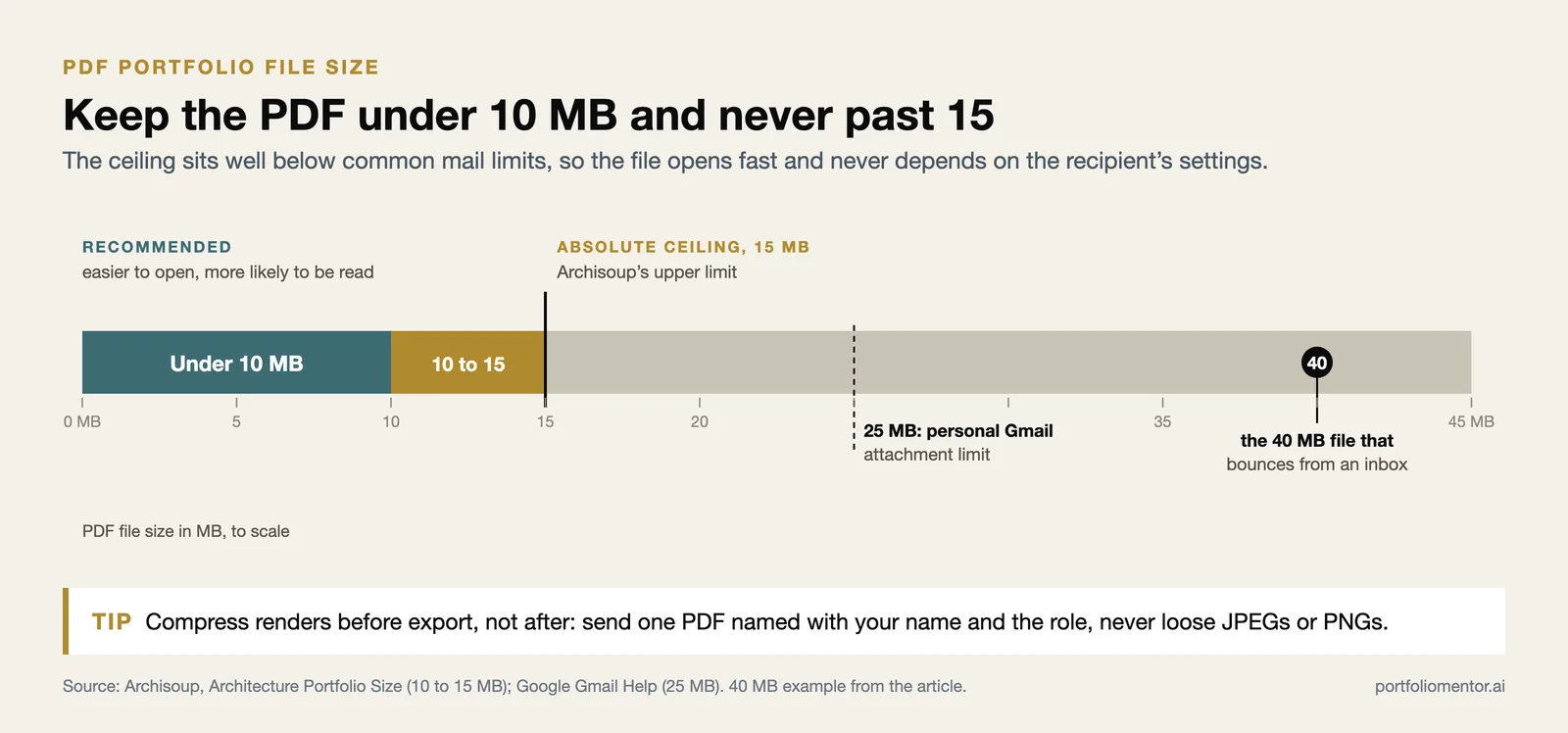
A PDF is a snapshot in time. Every update means re-exporting and re-sending, and there is no way for the file to be discovered on its own. File size is also a recurring problem: a portfolio packed with high-resolution renders can balloon past email limits. Archisoup recommends keeping a PDF under 10MB, with 15MB as an absolute ceiling, because the easier you make a file to open, the more likely a recipient is to engage with it.
⚠️ Common Mistake to Avoid
Sending loose JPEGs or PNGs instead of a single PDF reads as unprofessional and forces the reviewer to assemble your work themselves. Always deliver one compressed, properly named PDF. A 40MB file that bounces from an inbox is functionally the same as no application at all.
Online platforms: Issuu and the middle ground
Between a full website and a static PDF sits a third option: hosted publishing platforms. Issuu is the most recognized of these among architecture applicants, institutions, and firms. It converts a PDF into an interactive flipbook with page-turning animation, embedded video, and clickable links, while giving you a shareable URL and viewer analytics. It is a way to make a PDF feel web-native without building a site from scratch.
The trade-off is ownership. Your work lives on Issuu’s domain, free accounts may show ads, and you depend on the platform staying online. It works best as a complement: upload your PDF to Issuu for a link you can share casually, while keeping the raw PDF for formal applications and your own site for long-term presence. Platforms like Behance and Archinect serve a similar middle role, adding a built-in audience and job boards to the mix.
🎓 Expert Insight
“Don’t let technology get in the way of showcasing your actual work.” Jeremy Welu, contributor to NCARB’s portfolio guidance
The format should choreograph your narrative, not overshadow it. Whether you choose web, PDF, or a flipbook, the projects have to carry the work, not the animations or the template.
Web vs PDF: how to choose for each situation
The honest answer is that you do not choose one. Working architects maintain a website for presence and discovery, a PDF for applications and interviews, and often a platform link for quick sharing. The real skill is matching the format to the moment.
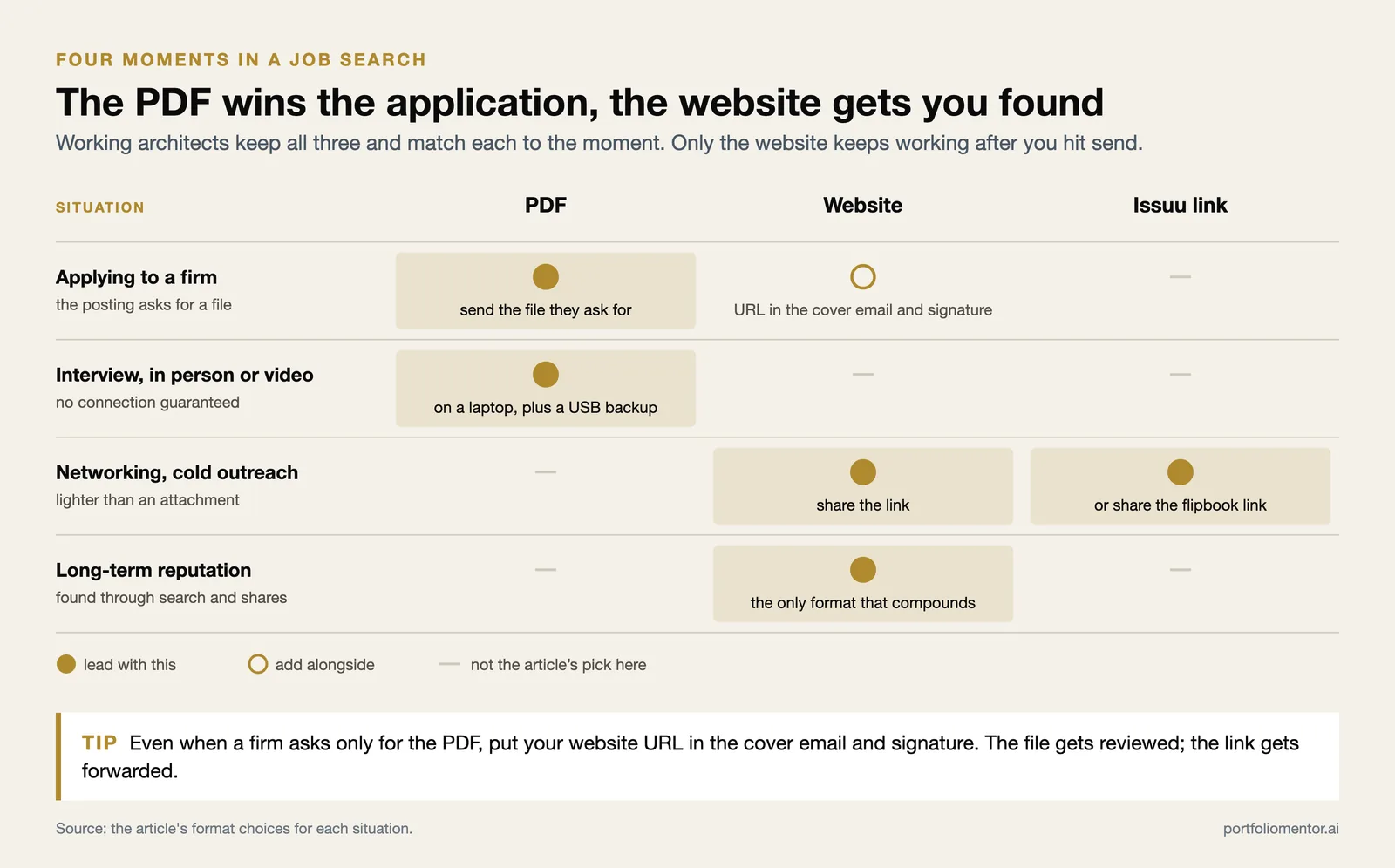
- Applying to a firm: Send the PDF they ask for, and include your website URL in the cover email and signature.
- In-person or video interview: Bring the PDF on a laptop and a USB backup. It opens reliably with no connection.
- Networking or cold outreach: Share the website or an Issuu link, which is lighter than attaching a file.
- Building long-term reputation: Invest in the website. It is the only format that compounds over time through search and shares.
NCARB notes that the web and print camps are genuinely split. Architect Robert L. Holzbach has cautioned that tablets are “too small” and can make an interview awkward, favoring a tangible review, while others, including architect Cristina Tudor, prefer a website for the flexibility to show different facets of their personality and work. Both are right for different settings, which is exactly why carrying more than one format is the safe move. If you are unsure how your current setup reads to a hiring manager, you can run it through the feedback workflow described on our 60-second review page before you send it anywhere.
🔢 Quick Numbers
- Recommended PDF portfolio size: under 10MB, 15MB maximum (Archisoup)
- NCARB AXP Portfolio method requires evidence across 96 documented tasks (NCARB)
- More than 54,000 people showcase work on Architizer, one of the platforms NCARB highlights for job seekers (NCARB)
How to build a digital portfolio that works in both formats
The most efficient approach is to design once and adapt twice. Start by curating your strongest projects and building a clean master layout, then export that layout as a PDF and rebuild the same content as web pages. Because the content and hierarchy are shared, you avoid maintaining two completely separate bodies of work.
- Curate ruthlessly. Pick the projects that prove your two or three core strengths and cut the rest. Quality beats volume in every format.
- Set a master layout. Establish a grid, a type system, and consistent project spreads you can reuse across web and print.
- Export the PDF. Compress images, keep it under 15MB, and name the file clearly with your name and the role.
- Build the website. Rebuild the same projects as pages on a custom domain, adding video or interactive details where they help.
- Add a platform link. Upload the PDF to Issuu for a shareable flipbook link you can drop into casual outreach.
For the broader strategy behind selecting and sequencing projects, see the full portfolio scoring overview and the complete architecture portfolio guide linked earlier. The format is the delivery mechanism. The work itself is what gets you hired.
Frequently asked questions
Do architecture firms prefer a website or a PDF?
Most firms still ask for a PDF when you apply because it is predictable and easy to archive. A website is increasingly expected as a supplement that proves your presence and lets reviewers explore further. The safest answer is to have both and lead with whichever the firm requests.
How large should a PDF architecture portfolio be?
Keep it under 10MB where possible, with 15MB as the absolute maximum, so it clears email limits and opens quickly. Compress high-resolution renders before export. A file that fails to send or takes too long to open is often skipped entirely.
Is Issuu good for an architecture portfolio?
Issuu is widely recognized among architecture applicants and firms, and it turns a static PDF into an interactive flipbook with a shareable link and analytics. It works best as a complement to your own website and raw PDF rather than as your only portfolio, since your work lives on Issuu’s domain.
Do I need a custom domain for a portfolio website?
Yes, if you are building a site at all. A free subdomain with platform branding and ads reads as unprofessional and can push your application to the bottom of the pile. A custom domain is inexpensive and signals that you take your presentation seriously.
Key Takeaways
- A digital architecture portfolio comes in three forms: website, PDF, and hosted platform such as Issuu. Each solves a different problem.
- Use a website for discovery and long-term presence, a PDF for applications and interviews, and a platform link for casual sharing.
- Keep PDFs under 10 to 15MB and never send loose image files.
- If you build a site, use a clean custom domain, not a free ad-supported subdomain.
- Design one master layout, then adapt it into both PDF and web so the work stays consistent across formats.
Sources: NCARB, NCARB portfolio guidance, AIA, Archisoup, Issuu.